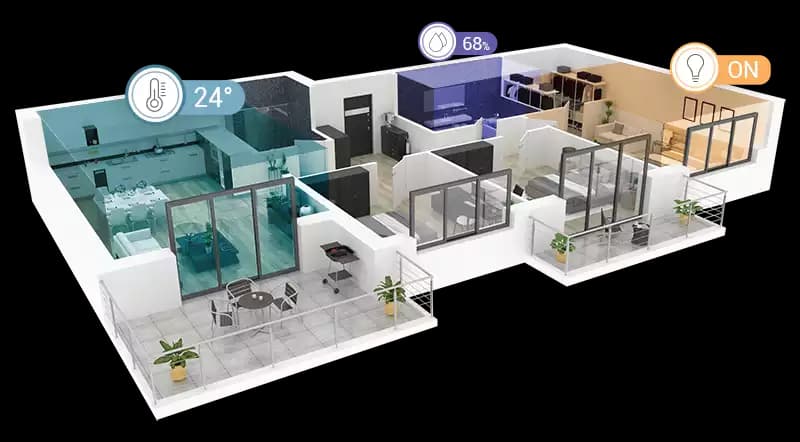
Putting live sensor data on a BIM model looks simple in a demo. A few coloured markers appear in rooms, values update, and a heatmap spreads across the floor. The hard part shows up months later, when sensors are moved, replaced, or go offline, and the viewer keeps showing confident numbers in the wrong places. This article covers the data mapping decisions that determine whether an IoT BIM viewer stays trustworthy after the first week in operation.
Why mapping is the real problem
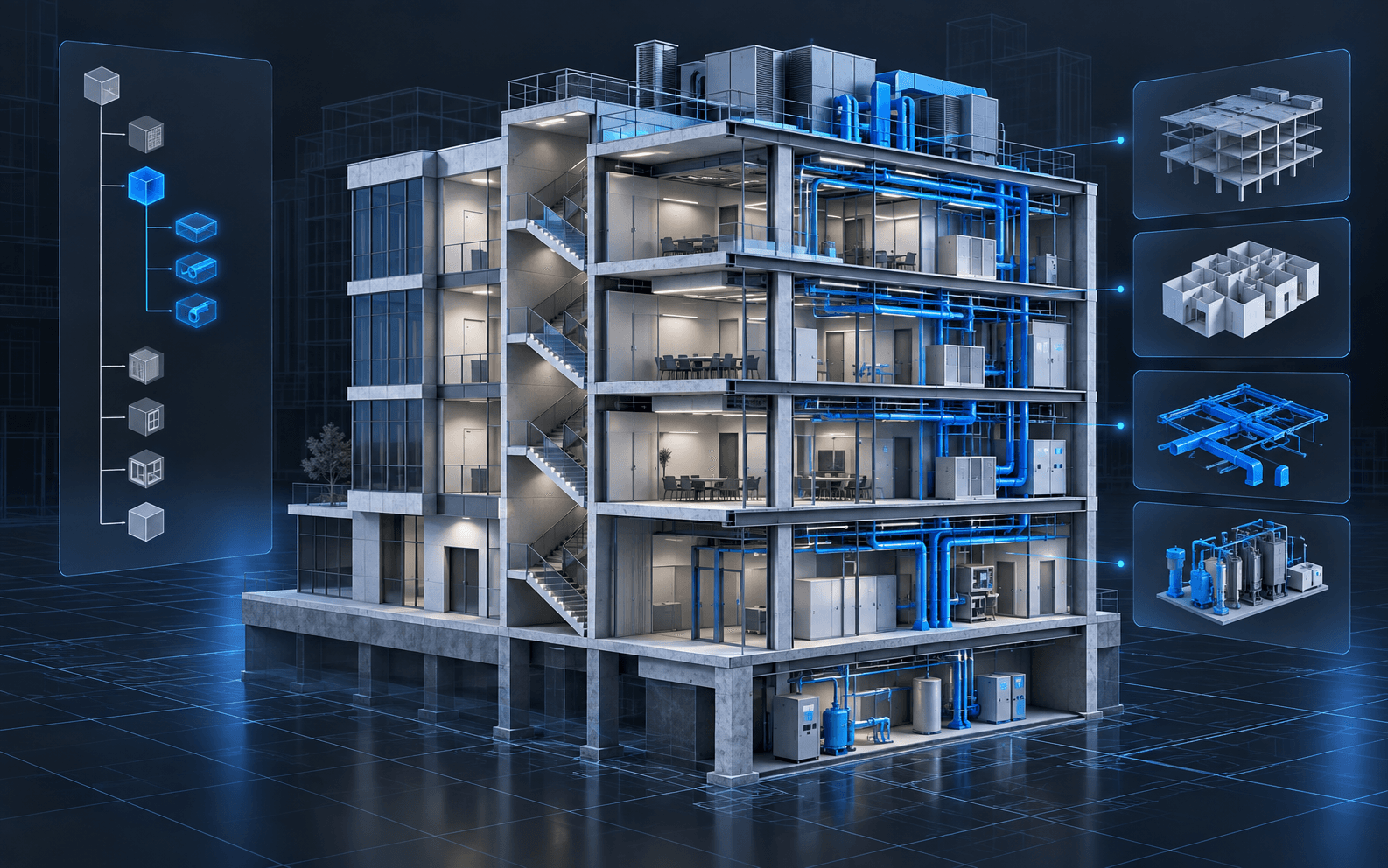
Rendering sensor values in a viewer is a solved problem. Most failures come from the relationships between four things:
- The physical device, with its hardware ID or serial number
- The data stream, usually a device ID plus one or more measurement names in a time-series store
- The location, meaning the space, zone, or asset the reading describes
- The model element that represents that location in the BIM viewer
If any of these links is implicit, manual, or buried in code, the system drifts out of truth as soon as the building changes.
Map devices to spaces and assets, not coordinates
A common shortcut is to place sensors at 3D coordinates in the model. It works for a demo, but it answers the wrong question. Operators do not care that a sensor is at a particular point in model space; they care which room or which piece of equipment it describes.
Better practice
- Link each device to a space or asset using a stable identifier from the model, such as an IFC GlobalId or the source element ID, or better, a room or asset code that also exists in facilities systems
- Store the marker position as a display detail derived from the space or asset, not as the source of truth
- Allow one space to have several devices, and one device to report several measurements
- Record what a sensor measures on behalf of: a room sensor describes a space, a duct sensor describes a system or piece of equipment
When the model is updated, a mapping based on room codes and stable element IDs survives. A mapping based on coordinates or viewer-internal indices usually does not.
Keep the mapping in data, not in code
Hard-coding device-to-room assignments into the viewer application makes every change a deployment. Keep the mapping in a table or configuration that facilities staff or an administrator can maintain:
- Device ID and hardware serial
- Mapped space or asset code
- Measurement types and units
- Install date, and removal date when relevant
- Expected reporting interval
- Status such as active, maintenance, or retired
Keeping history matters. When a sensor moves from one room to another, readings recorded before the move should stay associated with the original room.
Design stale and offline states explicitly
The most damaging failure in an IoT viewer is showing an old value as if it were current. A room coloured green because its last reading two days ago was normal is worse than a room shown as unknown.
Define freshness rules
- Set an expected reporting interval per device type
- Mark readings as stale after a threshold, for example a small multiple of the expected interval
- Mark devices as offline when no data has arrived for longer than a second threshold
- Treat devices under maintenance as a separate state so they do not raise false alerts
Make states visible
- Use a distinct visual treatment for stale and offline devices, not just a different shade of the same colour scale
- Exclude stale readings from heatmaps and averages, or show them clearly as excluded
- Show the time of the last reading next to every value
In the smartHVAC Dubai project, sensor markers display online and offline status directly on the floor model, and room sensor panels show when a device is offline. That visibility is what lets operators trust the colours they see on the rest of the floor.
Give alerts spatial context
Alerts that arrive as plain text, such as a device ID and a threshold breach, force operators to look up where the problem is. A BIM viewer can do better:
- Open an alert directly into the viewer with the affected space highlighted and the camera positioned
- Show neighbouring spaces so operators can see whether the issue is local or spreading
- Link the space to the equipment that serves it, so a warm room leads to the air handling unit or fan coil unit responsible
- Include recent history, not just the current value, so a brief spike can be told apart from a sustained problem
Combine live values with history
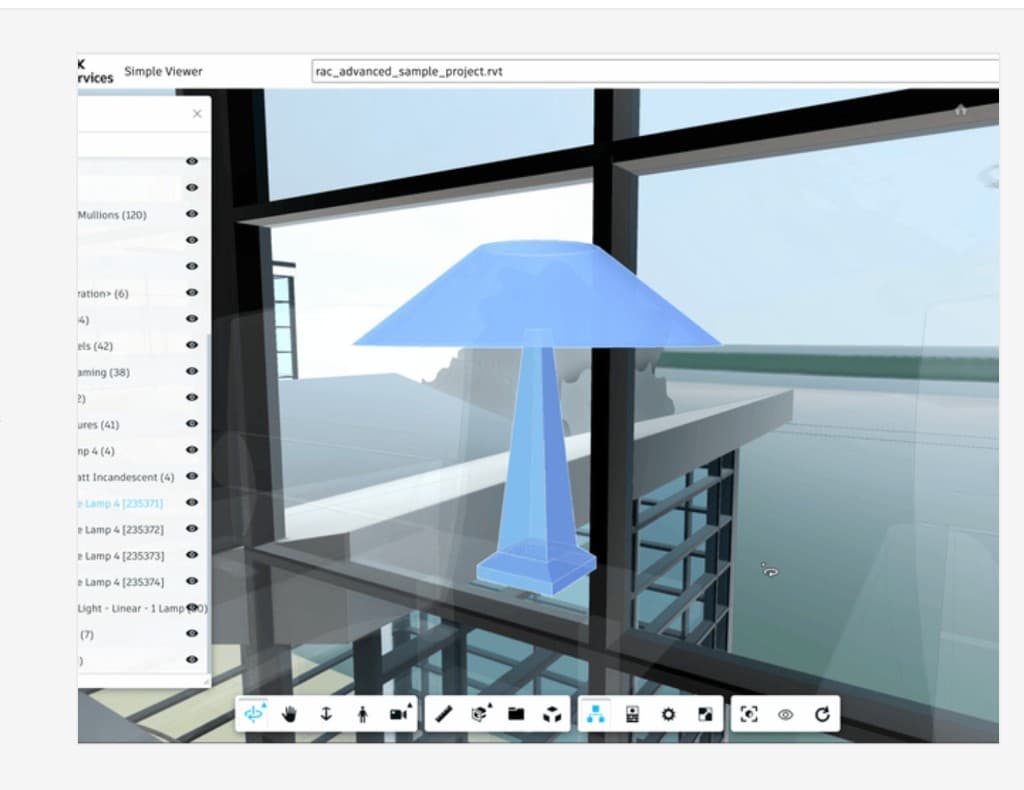
Live values answer "what is happening now". Most operational decisions also need "what has been happening". Store readings in a time-series database and make history available from the same viewer interaction. In the BIM-IOT case study, operators click model elements to open sensor detail panels with live readings, while historical charts support trend analysis, all inside an Autodesk Platform Services viewer with heatmap overlays.
Keep the viewer responsive
Live data should not make the model harder to use.
- Batch updates rather than re-rendering on every incoming message
- Update only the elements whose values changed
- Limit heatmaps and markers to the floors or zones in view
- Separate the data connection from the rendering loop so a slow feed does not freeze navigation
Mapping checklist
- Every device linked to a space or asset by a stable identifier
- Mapping stored in maintainable data, with history
- Expected reporting interval defined per device type
- Stale, offline, and maintenance states defined and visually distinct
- Last reading time shown next to every value
- Alerts open in the viewer with spatial context and recent history
- Updates batched so model navigation stays smooth
How we approach IoT on BIM
When we deliver IoT on BIM web viewers, we start with the device register and the spatial hierarchy before any visual work. Getting identifiers, freshness rules, and states right early is what keeps the viewer honest once it is in daily use.
Key takeaways
- Most IoT BIM viewer failures are mapping failures, not rendering failures.
- Map devices to spaces and assets through stable identifiers, not 3D coordinates.
- Keep the device-to-space mapping in maintainable data with history, not in application code.
- Treat stale and offline data as explicit, visible states and exclude it from aggregates.
- Alerts are far more useful when they open in the model with spatial context and history.
IoT on BIM viewers
Connecting sensors to a BIM model? We map devices to spaces and assets and build browser viewers that stay accurate when the building changes.
Explore IoT on BIMTopics

Author
BimEx Engineering Team
BIM Services Engineering Team
The BimEx engineering team builds Autodesk Platform Services viewers, BIM digital twins, IoT on BIM, custom IFC viewers, and scan-to-BIM indoor models for AEC and facilities teams.