Custom IFC Viewer Development

We design and ship production custom IFC viewers on openBIM stacks—selection, properties, sections, branded UX, embeddable open components, and optional IoT overlays, so owners, consultants, and product teams review models without proprietary viewer lock-in.

Custom IFC Viewer

About this service

What a custom IFC viewer is

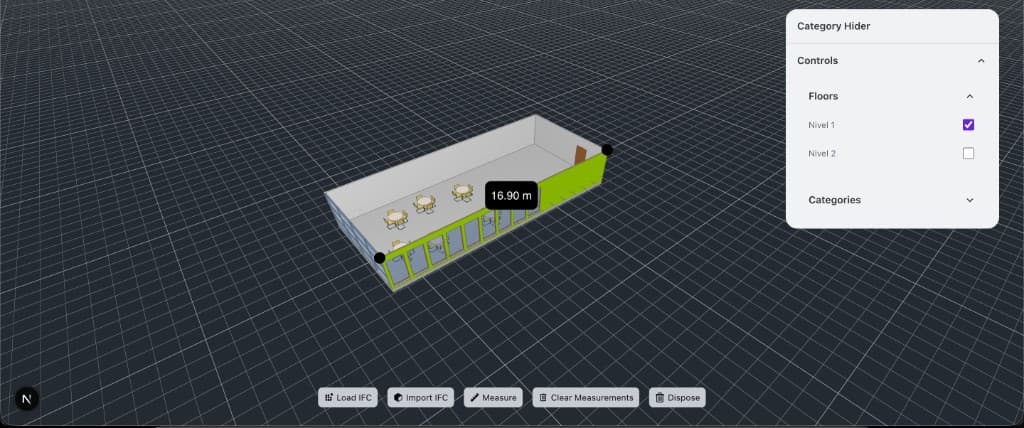
A custom IFC viewer is a production browser application built on openBIM components to open Industry Foundation Classes (IFC2x3 and IFC4) models with your branding, permissions, property panels, discipline filters, and sharing workflows. It differs from a free glance tool: stakeholders get recurring multi-party review without proprietary Autodesk-only lock-in. BimEx designs and ships these experiences—selection, isolation, sections, measurements, optional embed into your product, and optional IoT overlays—so owners, consultants, and product teams review interoperable geometry in the browser every week.

Geometry stays open; the chrome, identity, and data panels feel like your product. Engagements cover model loading and hosting, branded UX, and documentation so your team can maintain the viewer after launch.

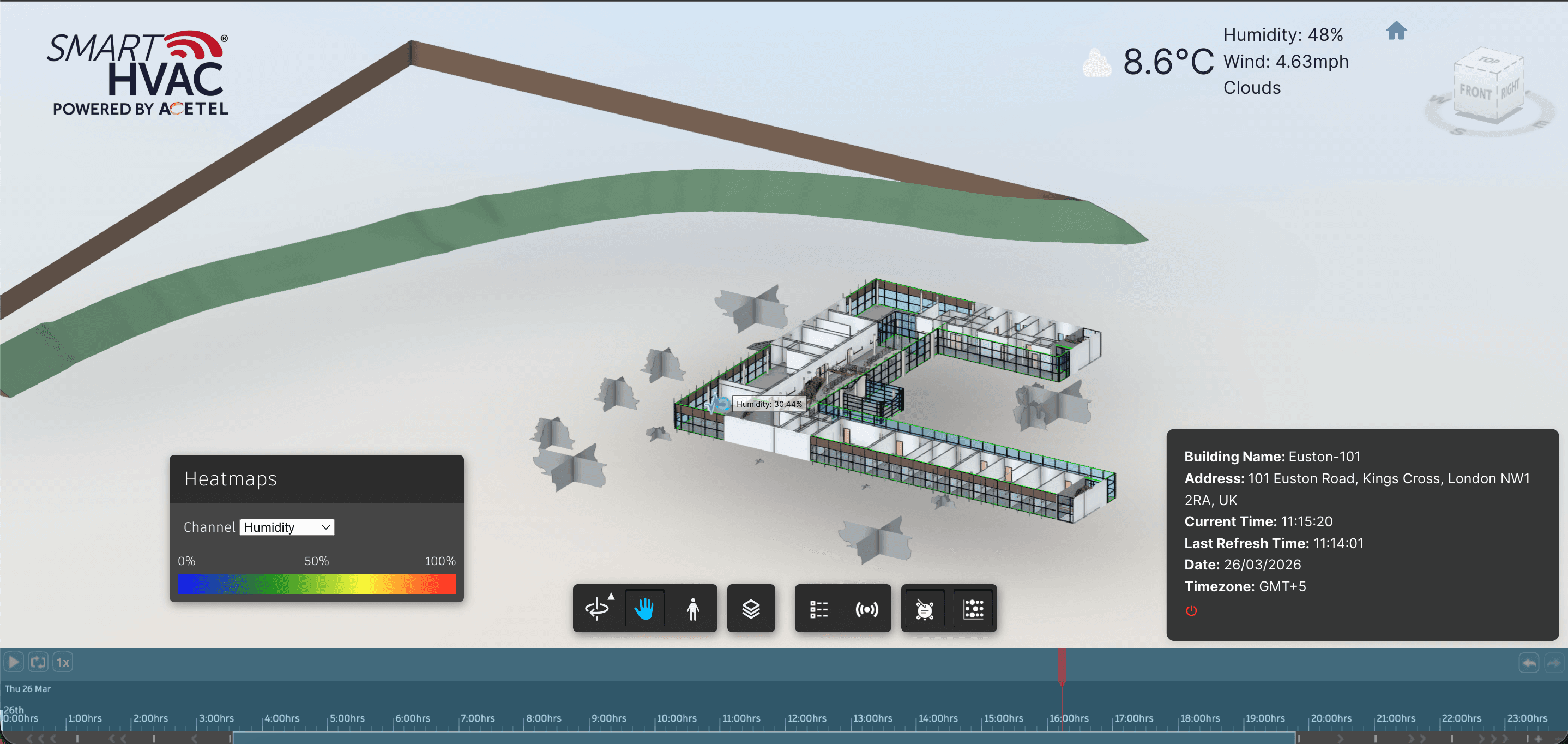
When facilities or ops need live context, we add sensor feeds and heatmaps on the same openBIM geometry without forcing an APS-only pipeline from design through operations.

Inside this service

Capabilities we ship

Custom IFC Viewer01

Custom IFC Viewer

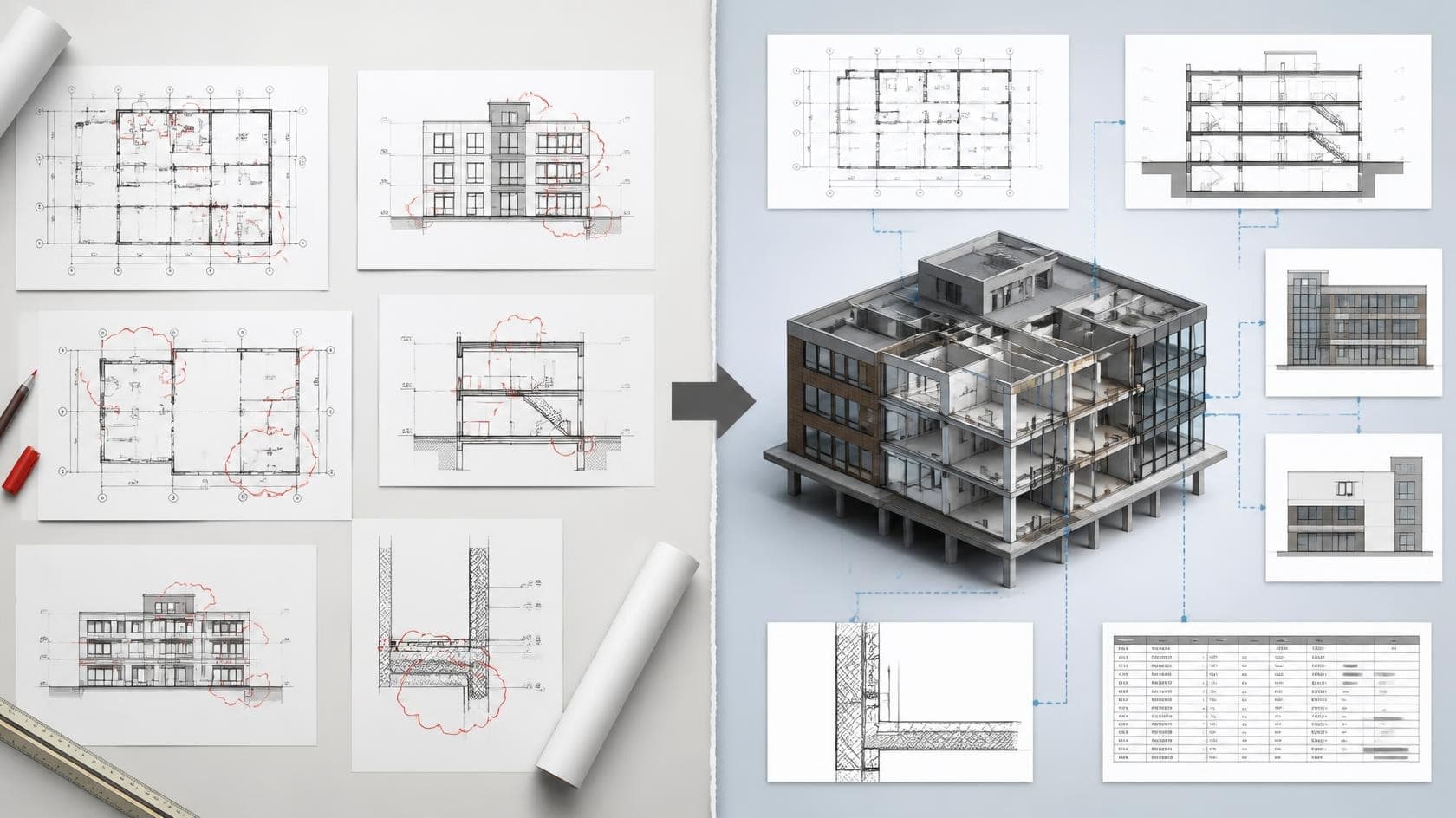
Purpose-built IFC viewing for your process—tree navigation, selection and isolation, sections, measurements, and sharing—without shipping a generic off-the-shelf tool. We tailor the chrome, permissions, and interaction model so reviewers move from upload to insight in the same browser session your stakeholders already use, across IFC2x3 and IFC4 models.

Open Components & Properties02

Open Components & Properties

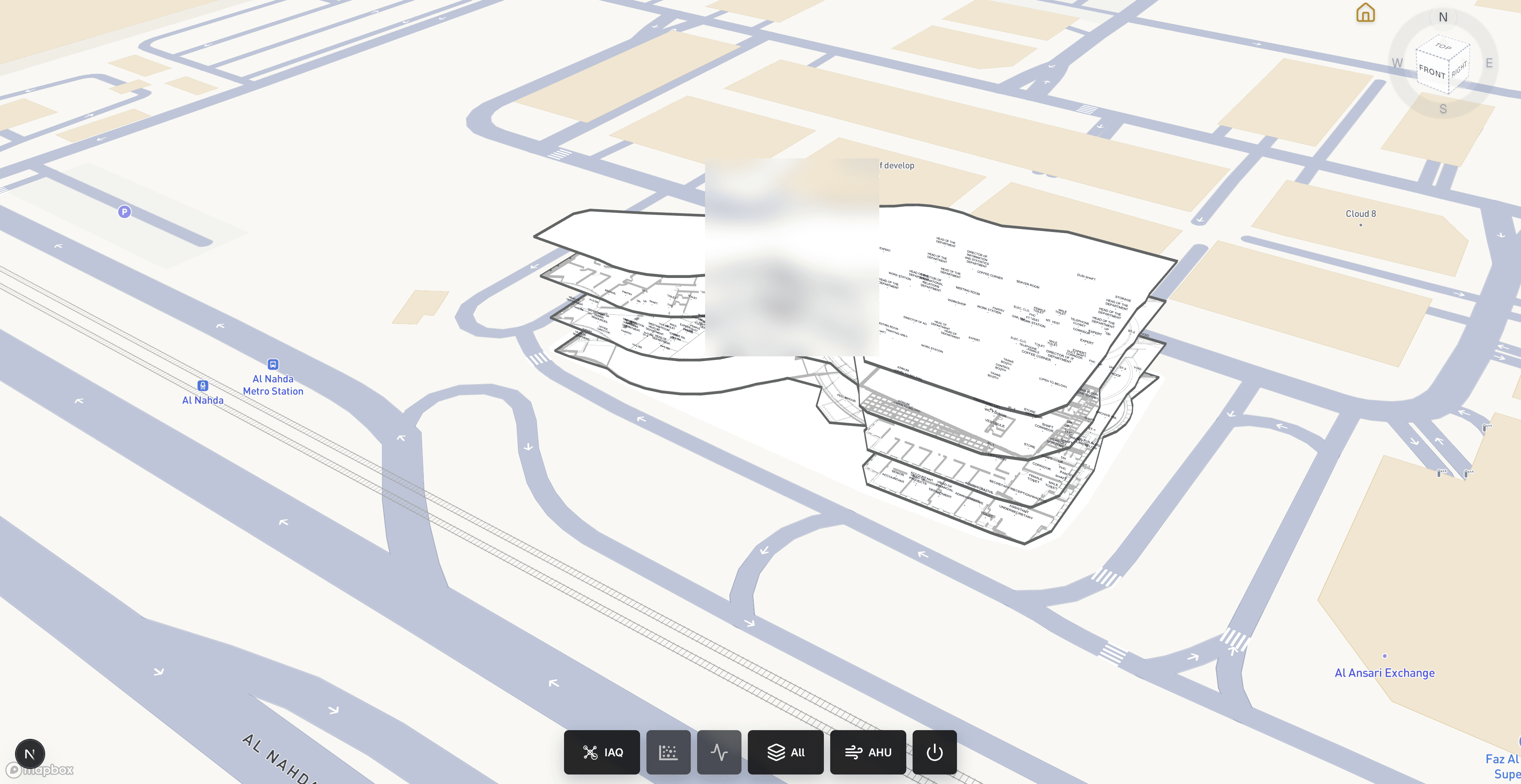
Composable openBIM UI: property panels, discipline layers, linked 2D/3D context, and embeddable modules that plug into your product rather than living as a one-off demo. We structure element metadata, filters, and review panels so consultants and owners inspect the same model data they rely on in coordination—without leaving the browser.

IoT on IFC03

IoT on IFC

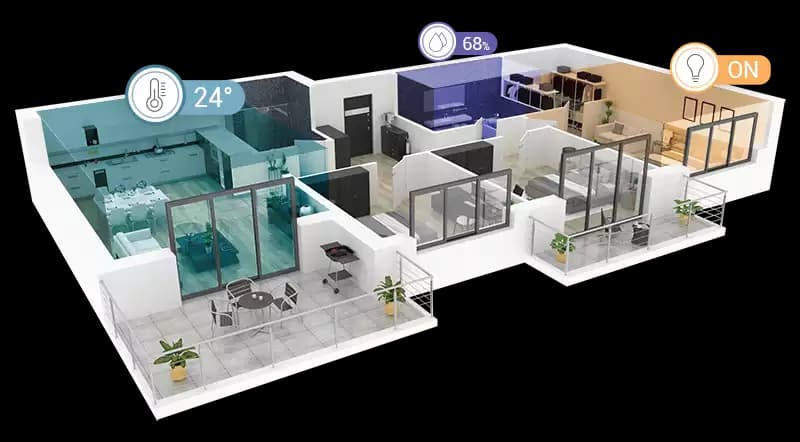
Bring sensor feeds onto openBIM geometry so facilities teams get spatial awareness without requiring APS-only pipelines. Devices appear in context, readings stay readable, heatmaps stay grounded to spaces and assets, and the stack remains interoperable for owners who standardize on IFC for long-term operations.

  • Stakeholder-ready browser IFC access without proprietary lock-in
  • Branded openBIM workflows with properties, layers, and sharing
  • Optional IoT layers on the same open model geometry

Delivery process

How we deliver

  1. Model & workflow audit

    We review sample IFC2x3 or IFC4 files from your projects, the authoring tools that exported them, and how reviewers work today. We identify the property sets, disciplines, and sharing flows the viewer must support, and note export issues that affect loading or metadata.

  2. Viewer build on open components

    We build the branded viewer on open web components: model tree, selection and isolation, property panels, sections, measurements, and discipline filters. Your identity provider, permissions, and hosting are integrated so the viewer fits naturally into your product or project portal.

  3. Performance & review testing

    Reviewers test with real project models. We tune loading and navigation for large files, verify that properties display correctly across different exporters, and refine the interface based on how consultants and owners actually inspect models and share issues.

  4. Deployment & handoff

    We deploy to your hosting environment and hand over source code, component documentation, and model-update guidance. Because the stack is built on open standards and open components, your team can extend it without depending on a proprietary viewer license.

Service FAQ

Questions about Custom IFC Viewer

What is a custom IFC viewer?

A custom IFC viewer is a branded, production web viewer for Industry Foundation Classes (IFC) models—typically IFC2x3 and IFC4—built for your organization’s permissions, property workflows, discipline filters, and sharing process. Unlike a free browser tool meant for a quick check, a custom viewer is hosted in your environment, embeddable in your product when needed, and maintainable by your team after handoff. BimEx builds these openBIM experiences and can add optional IoT layers on the same geometry.

How is a custom IFC viewer different from your free IFC viewer?

The free BimEx IFC viewer is a quick browser tool for opening IFC2x3 and IFC4 files. A custom IFC viewer is built for your organization: your branding, permissions, property panels, discipline filters, sharing workflows, and optional IoT layers, hosted in your environment and integrated with your systems. The free tool suits a quick check; custom work suits recurring, multi-stakeholder review.

Can a custom IFC viewer open native Revit files?

No. IFC viewers open IFC files, so native Revit (.rvt) models need to be exported to IFC2x3 or IFC4 first. Export settings affect geometry and properties, and we help define them during the audit. If your team needs to view native Revit, Navisworks, or DWG files directly, our APS viewer service is the better fit, because the Autodesk Model Derivative service translates those formats.

When should we choose an openBIM viewer instead of an APS viewer?

Choose openBIM when IFC is already your delivery standard, when stakeholders use different authoring tools, or when you want to avoid depending on a single vendor's cloud platform. A custom IFC viewer can run in your own hosting on open components. APS is often the better choice when your workflow centers on Autodesk files. We recommend a path after reviewing your models and users—see the Why BimEx guide and our APS vs IFC comparison guide.

Who owns the code, and can we embed the viewer in our own product?

You own the delivered code. Custom IFC viewers are built as embeddable components that can live inside your web app, customer portal, or project platform. At handoff you receive the source code, configuration, and documentation agreed in scope, and models stay in your hosting environment. Timelines depend mainly on model size, the number of custom panels and integrations, and embedding requirements.

Need a quick IFC look today?

Use our free IFC viewer while we scope a custom experience with your branding, workflows, and optional IoT.

Open Free IFC Viewer