
 01
01Twin Foundation
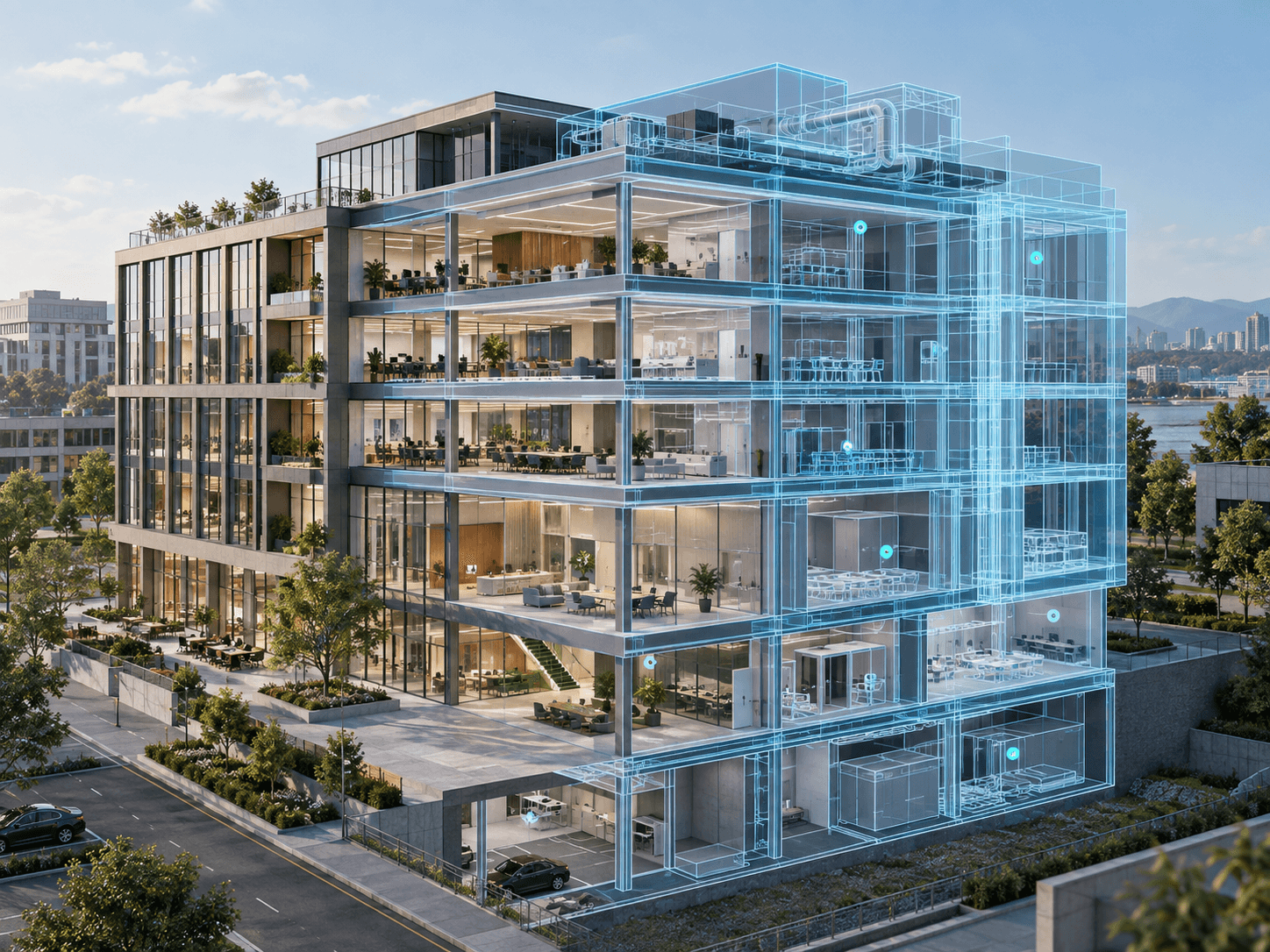
Connect the building model to a structured spatial hierarchy, sites, buildings, floors, rooms, zones, and assets, so every operational record has a reliable place in the viewer.
We turn BIM and indoor geometry into an operational digital twin, linking spaces, assets, equipment, and live building data in one clear browser experience for owners, facilities teams, and project stakeholders.
About this service
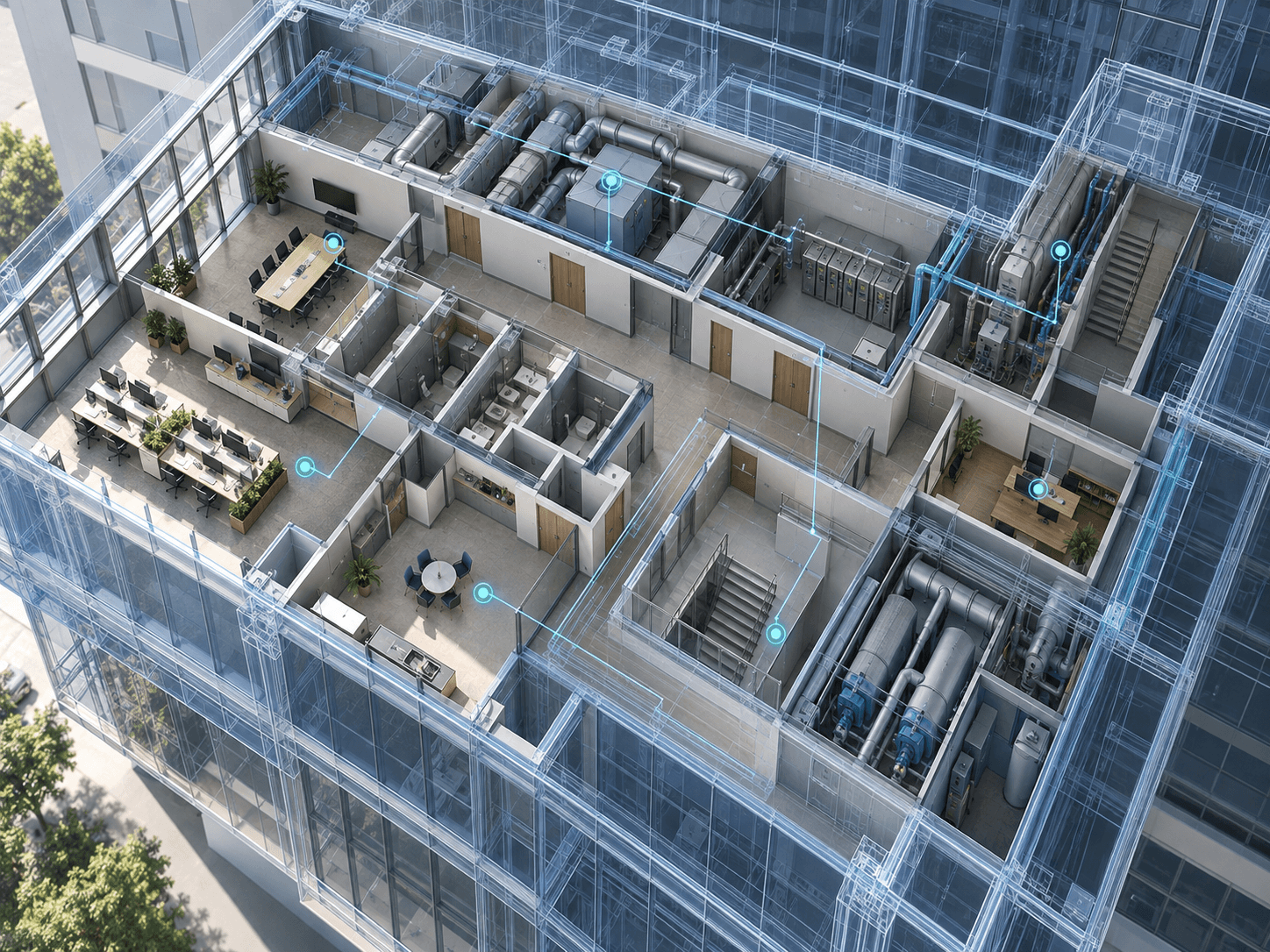
A BIM digital twin is a browser-based operational view of a building that connects design or as-built model geometry to the information used to run it—spaces, assets, equipment, maintenance records, and optionally live sensor data. Unlike a static BIM model, which describes how a facility was designed or built, a digital twin answers operational questions in context: which room is affected, where an asset sits, and what changed since the last inspection. BimEx builds these twins as maintainable web experiences so owners, facilities teams, and project stakeholders share one spatial source of truth without desktop-only workflows.
We structure navigation the way facilities teams work—by building, floor, space, system, or asset—then add status, history, and context without turning the viewer into a noisy dashboard. Geometry stays authoritative; operational data layers on top from the systems you already trust.
The result supports handover, inspections, maintenance planning, retrofit decisions, and future IoT expansion. Your team can start with spaces and assets, then add live readings later without rebuilding the twin.
Inside this service
01Connect the building model to a structured spatial hierarchy, sites, buildings, floors, rooms, zones, and assets, so every operational record has a reliable place in the viewer.
02Bring equipment, systems, documents, and maintenance context into the model without losing the simple visual relationship between a record and the thing it describes.
 03
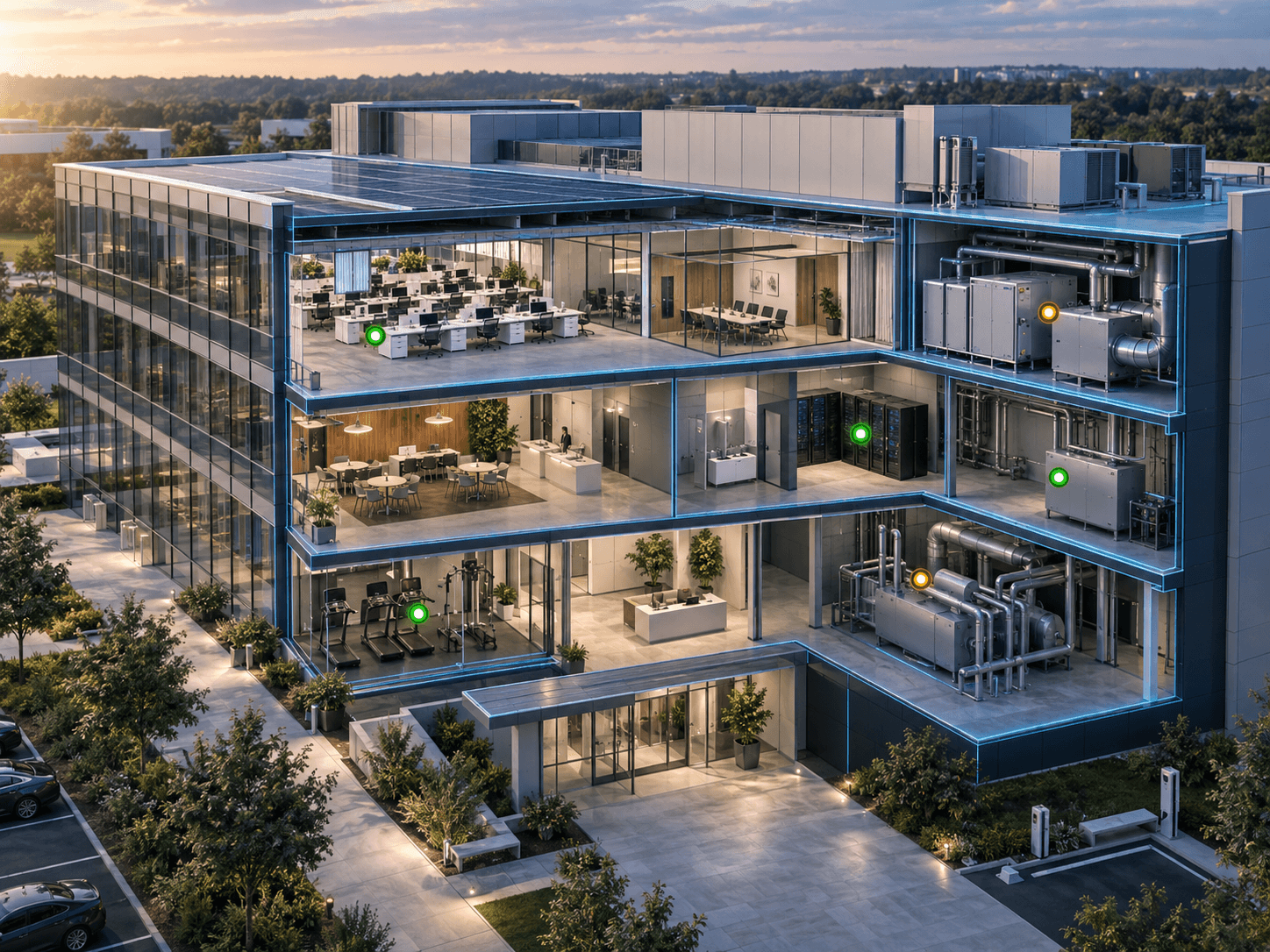
03Shape live status and history into focused views for inspections, handover, retrofit planning, and stakeholder updates, clear enough for everyday use, not just a project demo.
Delivery process
We start with the decisions the twin must support inspections, maintenance, space use, or handover, and audit the models, asset registers, and systems that hold the answers. This shows which data is trustworthy, what is missing, and what the first release should cover.
We structure the model into sites, buildings, floors, rooms, zones, and assets, then map equipment and records to geometry with stable identifiers. Where indoor geometry is incomplete, we flag it or scope indoor modeling so the twin rests on reliable spaces.
We build the browser twin around role-based views: navigation by building or system, status and history panels, and focused filters. Connections to your CMMS, asset database, or sensor platform use documented interfaces that keep geometry and operational data cleanly separated.
A pilot building or floor is tested with facilities users and refined before wider rollout. We hand over the data model, integration notes, and update guidance so your team can add buildings, assets, and data sources without rebuilding the twin.
Related case studies
Construction Procurement
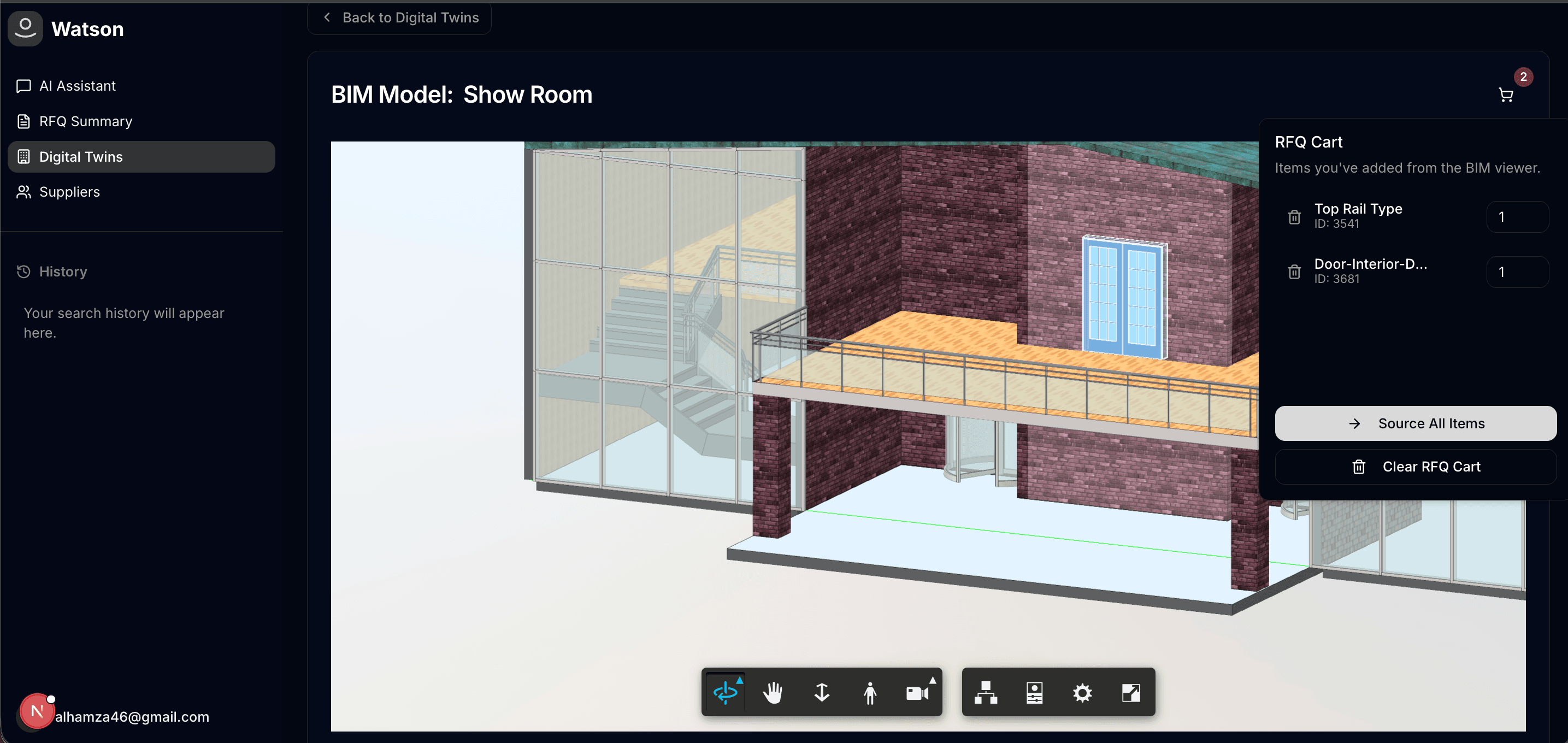
Built a procurement studio where teams can move from model review to RFQ creation, supplier communication, and offer acceptance inside one connected workflow.
BIM elements become RFQ-ready line items in one workspace
Read case study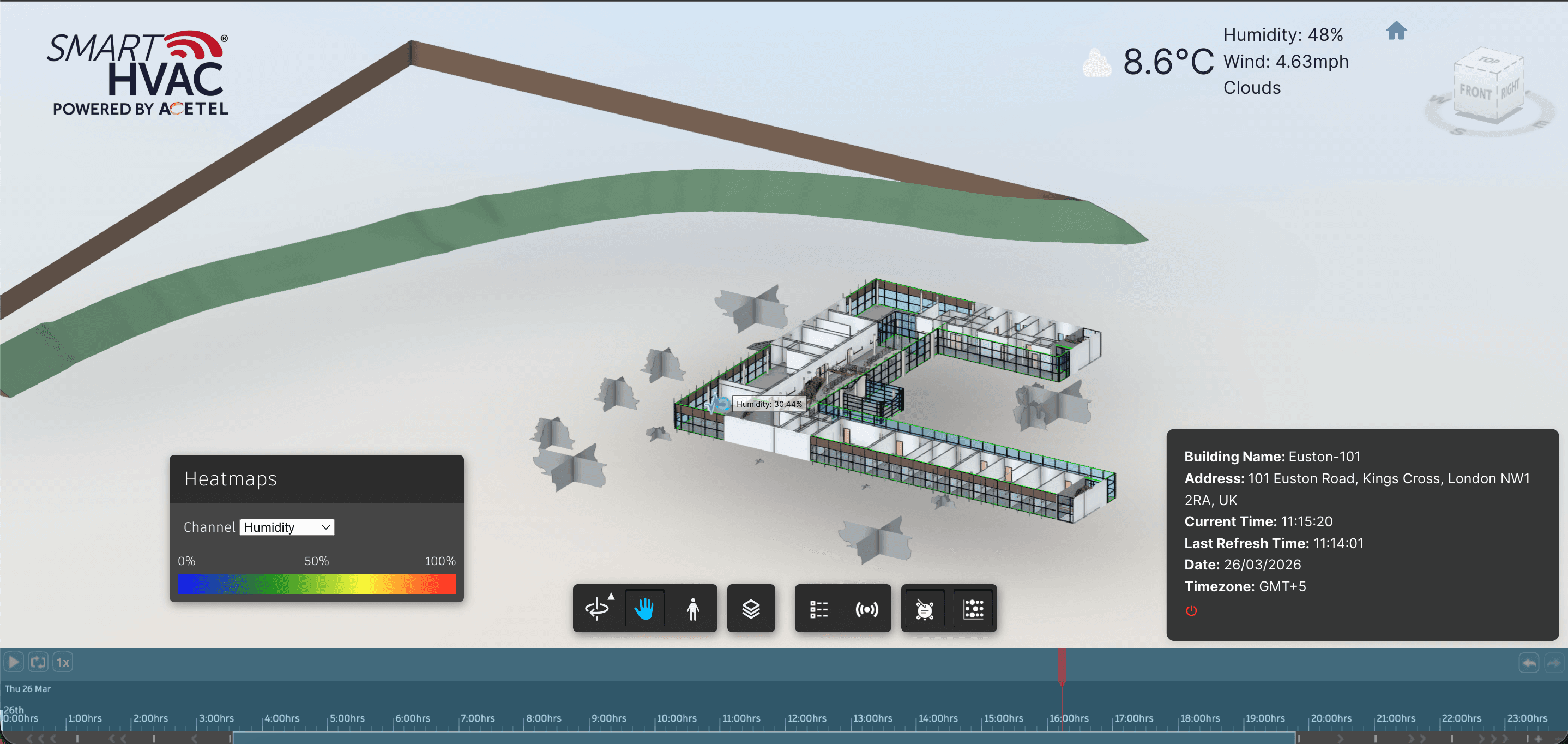
Smart Buildings
Delivered an APS Viewer experience where installed IoT devices appear in model context—with live overlays, heatmaps, and historical analytics for smarter building operations.
Installed IoT devices appear on APS model geometry in context
Read case study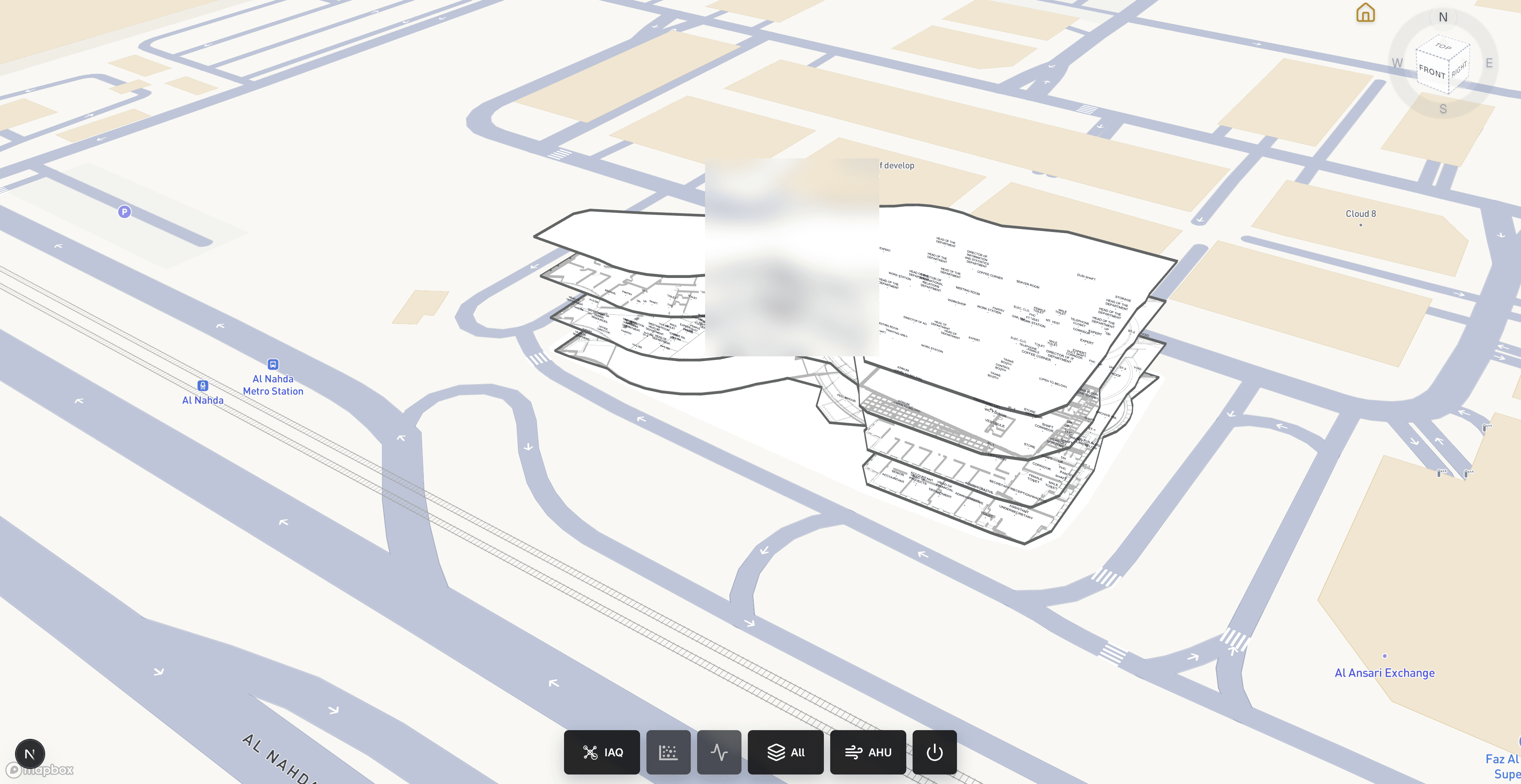
Smart Buildings
Delivered a production building-operations viewer where facilities teams can inspect georeferenced indoor models, monitor installed IoT devices in place, and diagnose AHU component health without leaving the browser.
Georeferenced IFC/GLB indoor models on Mapbox for facilities context
Read case studyService FAQ
A BIM model describes how a building was designed or built. A BIM digital twin connects that geometry to the information used to operate it, spaces, assets, maintenance records, and optionally live sensor data, so teams can answer operational questions in context. BimEx builds digital twins as browser experiences, keeping the model as the spatial source of truth and layering operational data on top.
Most projects start from existing BIM or IFC models, an asset register or spreadsheet, and access to the systems that hold operational data, such as a CMMS or building platform. Perfect data is not required; the discovery audit identifies gaps. If as-built geometry is missing or unreliable, our indoor modeling and scan-to-BIM service can produce the spatial baseline first. The number of buildings and the quality of source data are the main timeline drivers.
No. The digital twin is a spatial layer that makes existing systems easier to use, not a replacement for them. Your CMMS, asset database, and building management system remain the systems of record; the twin reads from them through agreed interfaces and shows the results on the model. This keeps data ownership clear and avoids duplicating records that other teams already maintain.
Yes, and that is usually the recommended path. Many digital twins start with spaces and assets for handover or maintenance, then add live sensor data through our IoT web viewer service or system-level views through HVAC Intelligence once the foundation is proven. Because the spatial structure and asset identifiers are designed for expansion, new data sources can be added without rebuilding the viewer.