
 01
01Device Mapping
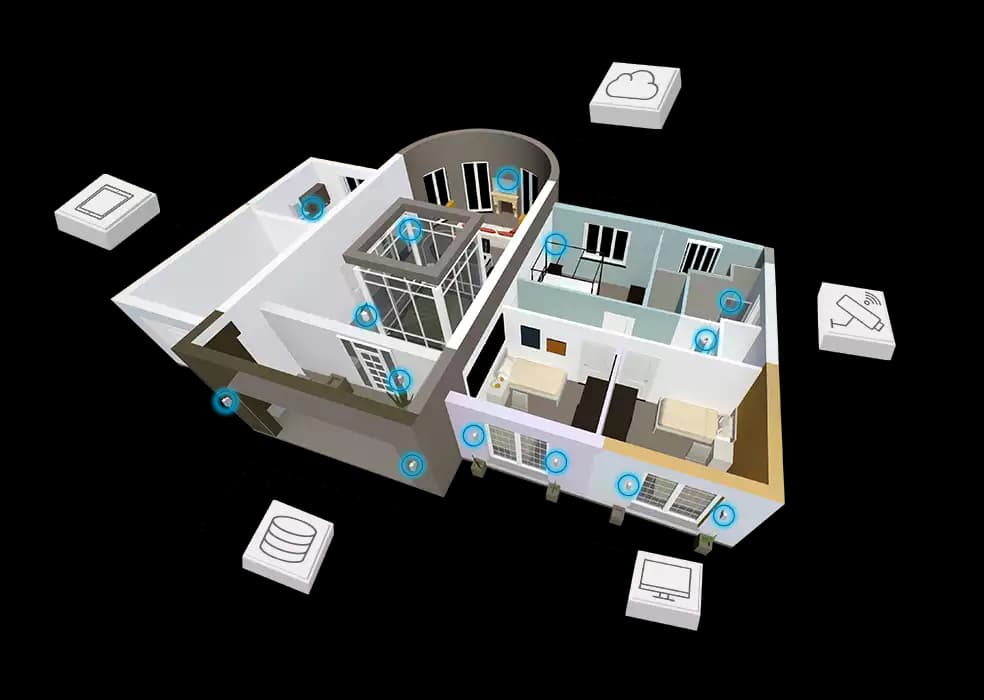
Place sensors and gateways on the model with reliable room, floor, and asset relationships so operators can find the device behind a reading.
We bring IoT devices into the web viewer, mapping sensors to rooms, equipment, and building systems so facilities teams can read live conditions, investigate issues, and act without switching between disconnected tools.
About this service
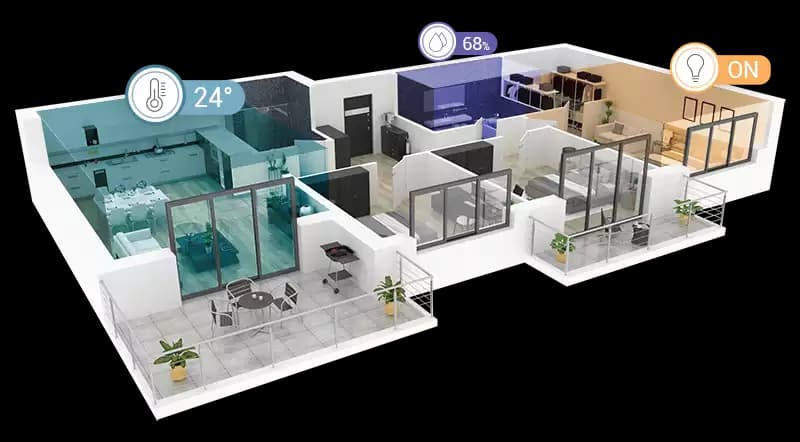
IoT on BIM is the practice of placing live sensor devices, readings, alerts, and heatmaps directly on web-based building model geometry so facilities teams understand conditions in physical context. A sensor feed alone is a list of values; the same reading becomes actionable when operators can see which room, asset, or system it belongs to. BimEx maps temperature, humidity, occupancy, air quality, and equipment status onto APS or IFC viewers—with device placement, tooltips, filters, and heatmaps—while keeping geometry, device identity, and live readings separate so the layer can scale from a pilot floor to a portfolio.
We integrate with the platforms that already collect your data rather than replacing them, typically through a REST API, MQTT, or an existing IoT or building data platform. The scene stays readable at building scale while operators can drill from an alert to the exact device behind it.
Engagements cover device and data audit, mapping on the model, live viewer UX, and a pilot with real operators before scale-out across buildings.
Inside this service
01Place sensors and gateways on the model with reliable room, floor, and asset relationships so operators can find the device behind a reading.
02Surface online state, current values, thresholds, and recent changes in focused viewer interactions that stay useful while navigating a busy building model.
 03
03Use heatmaps and contextual overlays to reveal patterns across rooms and systems, then drill into the exact equipment or zone that needs attention.
Delivery process
We inventory your sensors, gateways, and data platforms, then check how device identities relate to rooms and equipment. We confirm how readings are accessed API, message broker, or platform export, and which signals operators actually need in the first release.
Each device is placed on the BIM or IFC geometry and linked to its room, floor, and asset through a mapping table your team can maintain. Geometry, device identity, and live readings stay separate, so moving or replacing a sensor never requires remodeling.
We build the live layer status icons, tooltips, thresholds, alerts, heatmaps, and filters, tuned so the scene stays readable at building scale. Operators can move from an alert to the exact room, equipment, or system behind it without switching tools.
We validate the integration on a pilot floor or building with real data and real operators, fix gaps in mapping and data quality, then document how to add devices and buildings so the viewer can grow across your portfolio.
Related case studies
Smart Buildings
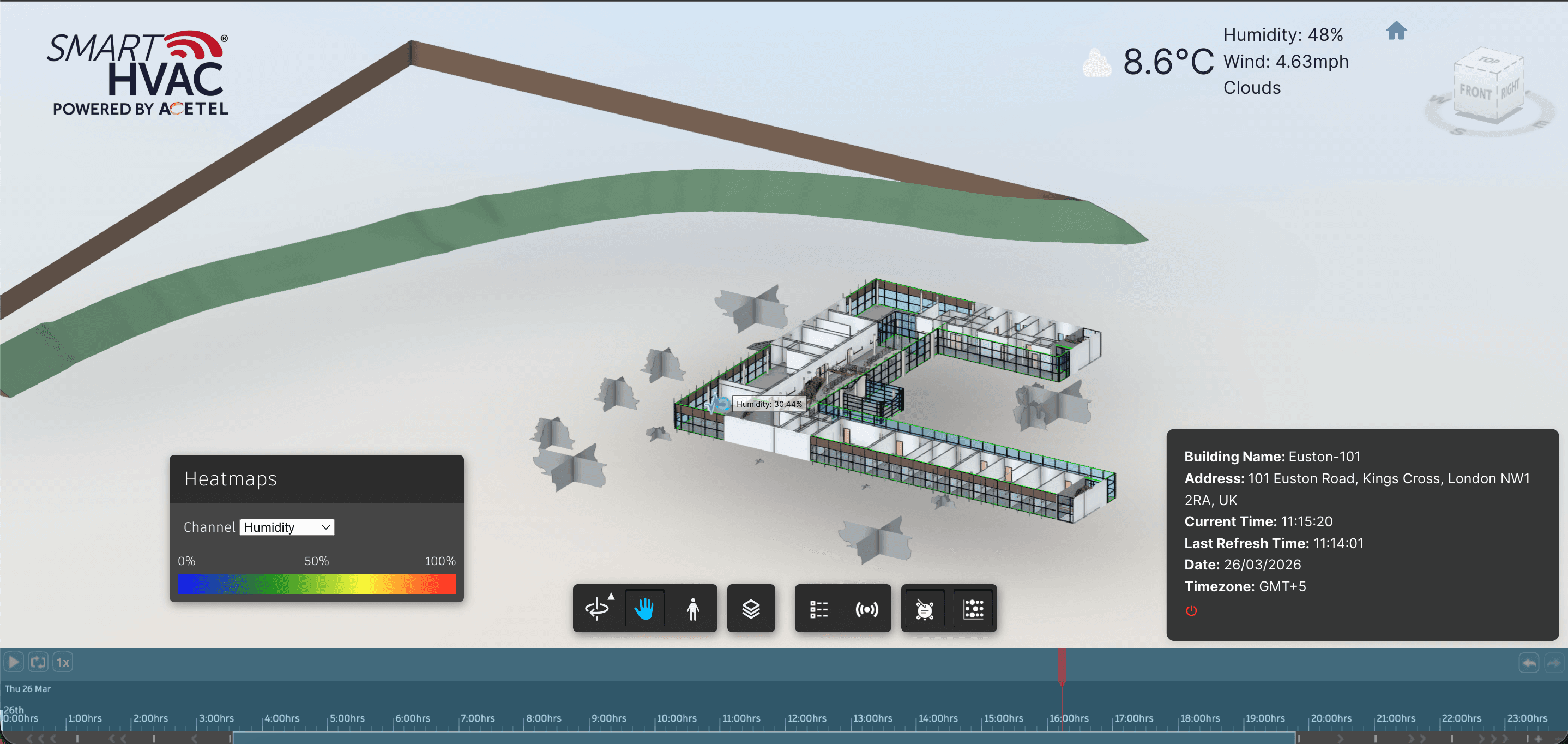
Delivered an APS Viewer experience where installed IoT devices appear in model context—with live overlays, heatmaps, and historical analytics for smarter building operations.
Installed IoT devices appear on APS model geometry in context
Read case study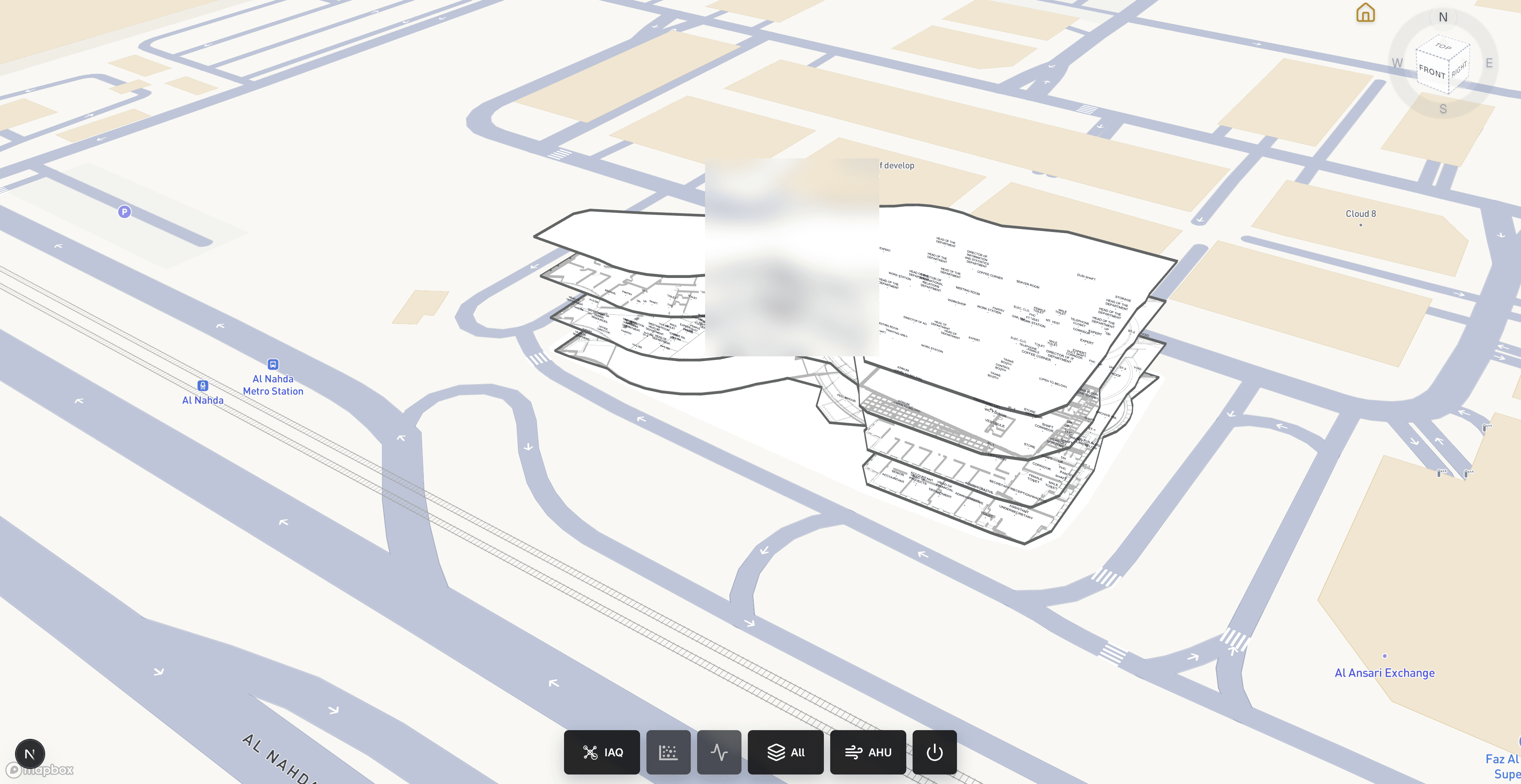
Smart Buildings
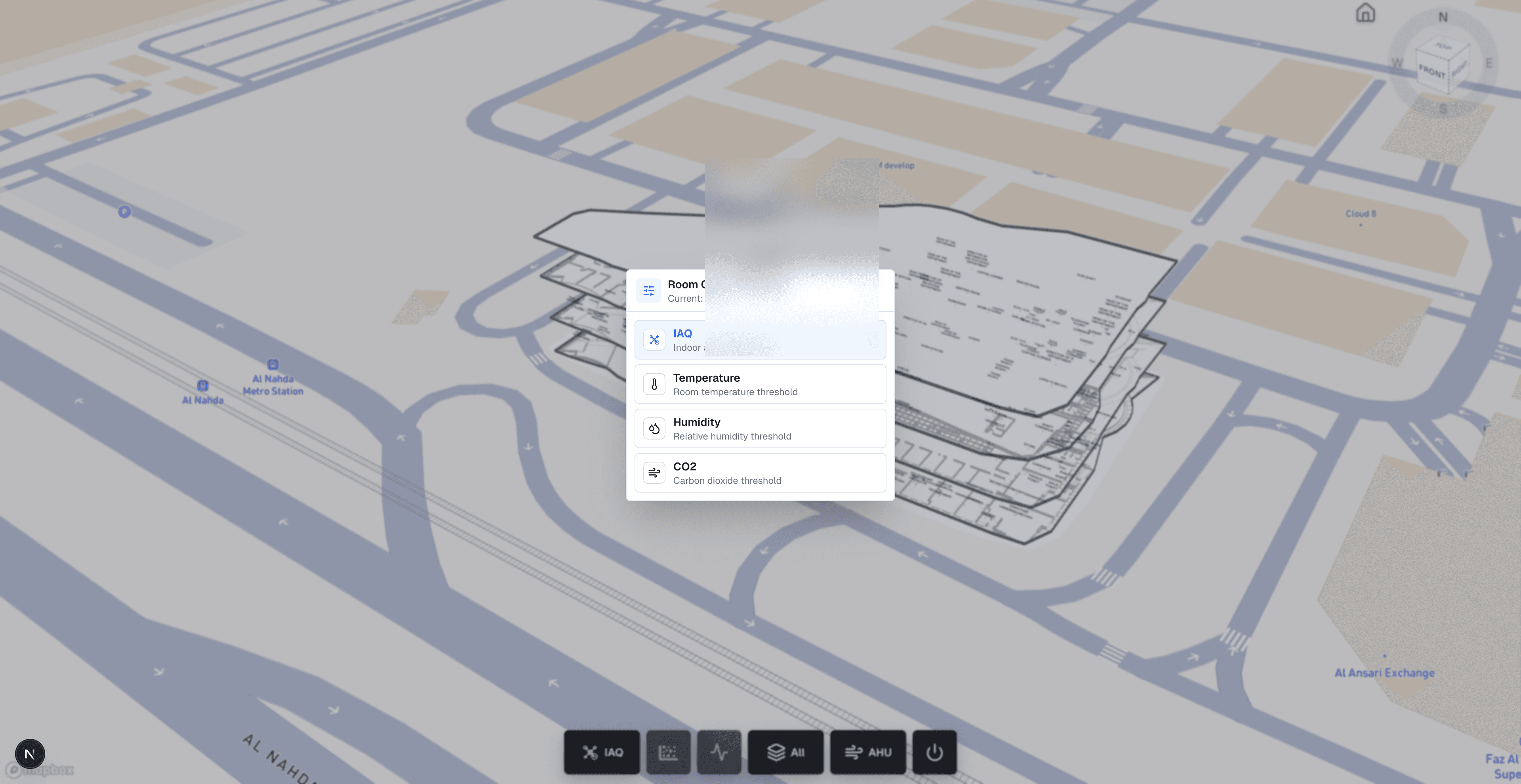
Delivered a production building-operations viewer where facilities teams can inspect georeferenced indoor models, monitor installed IoT devices in place, and diagnose AHU component health without leaving the browser.
Georeferenced IFC/GLB indoor models on Mapbox for facilities context
Read case studyService FAQ
IoT on BIM means connecting live Internet of Things sensors to a building information model so readings appear in spatial context inside a web viewer. Instead of checking a separate dashboard for temperature, humidity, occupancy, or equipment status, operators see devices mapped to rooms, floors, and assets on the same geometry used for review. BimEx builds these IoT layers on APS or custom IFC viewers, keeping device identity and live data separate from the model so you can add sensors and buildings without remodeling.
We integrate with the platform that already collects your data rather than replacing it, typically through a REST API, a message broker such as MQTT, or an existing IoT or building data platform. Common signals include temperature, humidity, CO₂ and other air-quality readings, occupancy, and equipment status. During the audit we confirm data access, update frequency, and which signals operators need.
Either works. IoT layers can run on an Autodesk Platform Services viewer when your models come from Revit or Navisworks, or on a custom openBIM viewer when you standardize on IFC2x3 or IFC4. The choice usually follows your existing model workflow and licensing preferences. We recommend a path during scoping, and the device mapping approach stays the same in both cases.
Accurate device placement depends on reliable rooms and equipment locations. If the model is outdated or missing interior detail, we flag the affected areas during the audit. Small gaps can be corrected as part of the mapping work; larger ones are better handled through our indoor modeling and scan-to-BIM service, which produces updated geometry the IoT layer can rely on.
You do. We hand over the viewer code, device mapping tables, integration documentation, and guidance for adding new sensors or buildings. Because geometry, device identity, and readings are kept separate, expanding from a pilot floor to more buildings is mainly a mapping and configuration task. Project duration depends on device count, data access, and model quality rather than a fixed template.