APS Viewer Development

We design and ship production Autodesk Platform Services experiences, Forge/APS viewers, digital twin dashboards, rule-driven configurators, and live IoT device layers, so owners, contractors, and operators can inspect models without desktop friction.

APS Viewer

About this service

What APS viewer development is

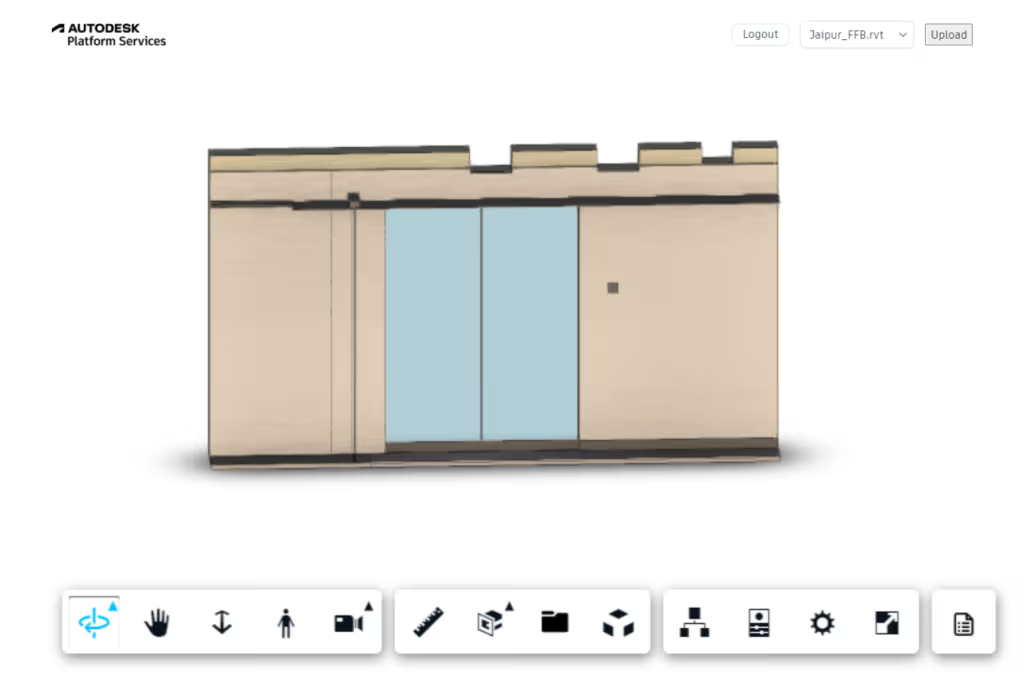
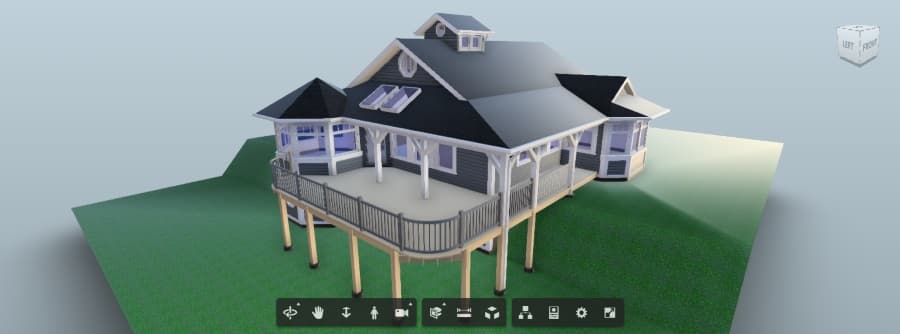
APS viewer development is the design and delivery of production browser viewers on Autodesk Platform Services (formerly Forge) so AEC stakeholders can inspect Revit, Navisworks, DWG, and related models without desktop BIM seats. An APS viewer uses Autodesk’s Model Derivative service to translate source files, then presents geometry, properties, sections, markups, and sharing in the web. BimEx scopes, builds, and hands off branded APS experiences—often with digital twin context, rule-driven configurators, or IoT overlays—so PMs, owners, and facilities teams open a tool every week, not a proof-of-concept that dies after the pilot.

Beyond the core viewer, we layer spaces, assets, sensors, and fabrication logic when operations need live spatial awareness. Geometry stays the source of truth; identity and data systems integrate with your stack.

Engagements typically cover authentication and model pipeline setup, branded viewer UX, enterprise integrations, and documentation so your team can maintain the experience after launch.

Inside this service

Capabilities we ship

Digital Twin01

Digital Twin

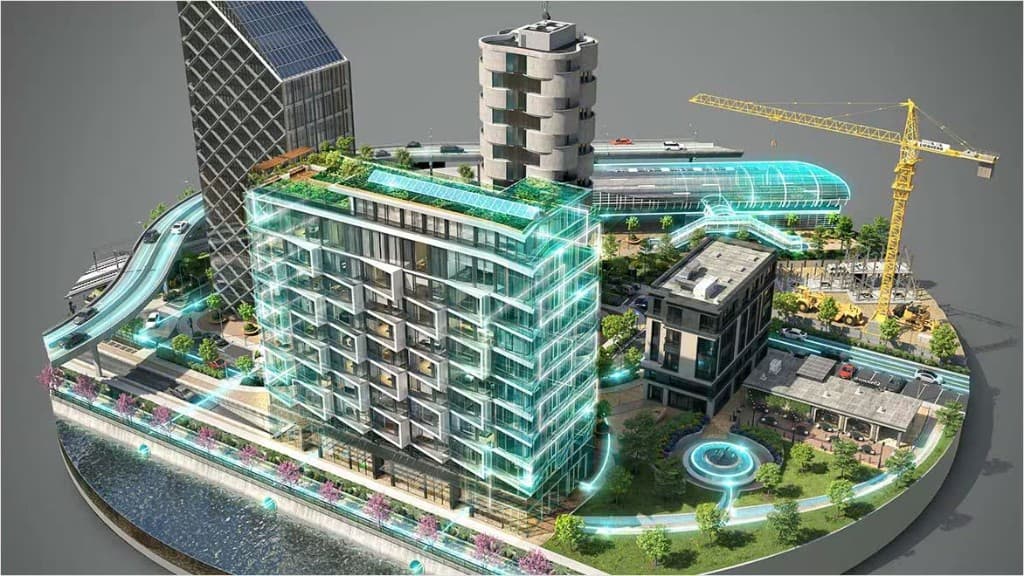
Connect model geometry to live building contextspaces, assets, and operational data, so teams see the facility the way it runs today, not only as designed. We map rooms, equipment, and status into the viewer with clear navigation and filters your operators will actually use, then wire the twin to the data sources you already trust.

APS Configurator02

APS Configurator

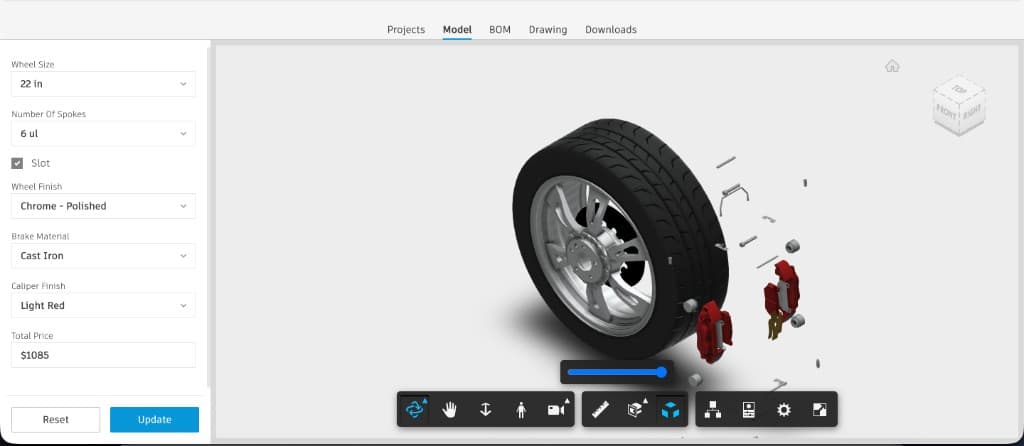
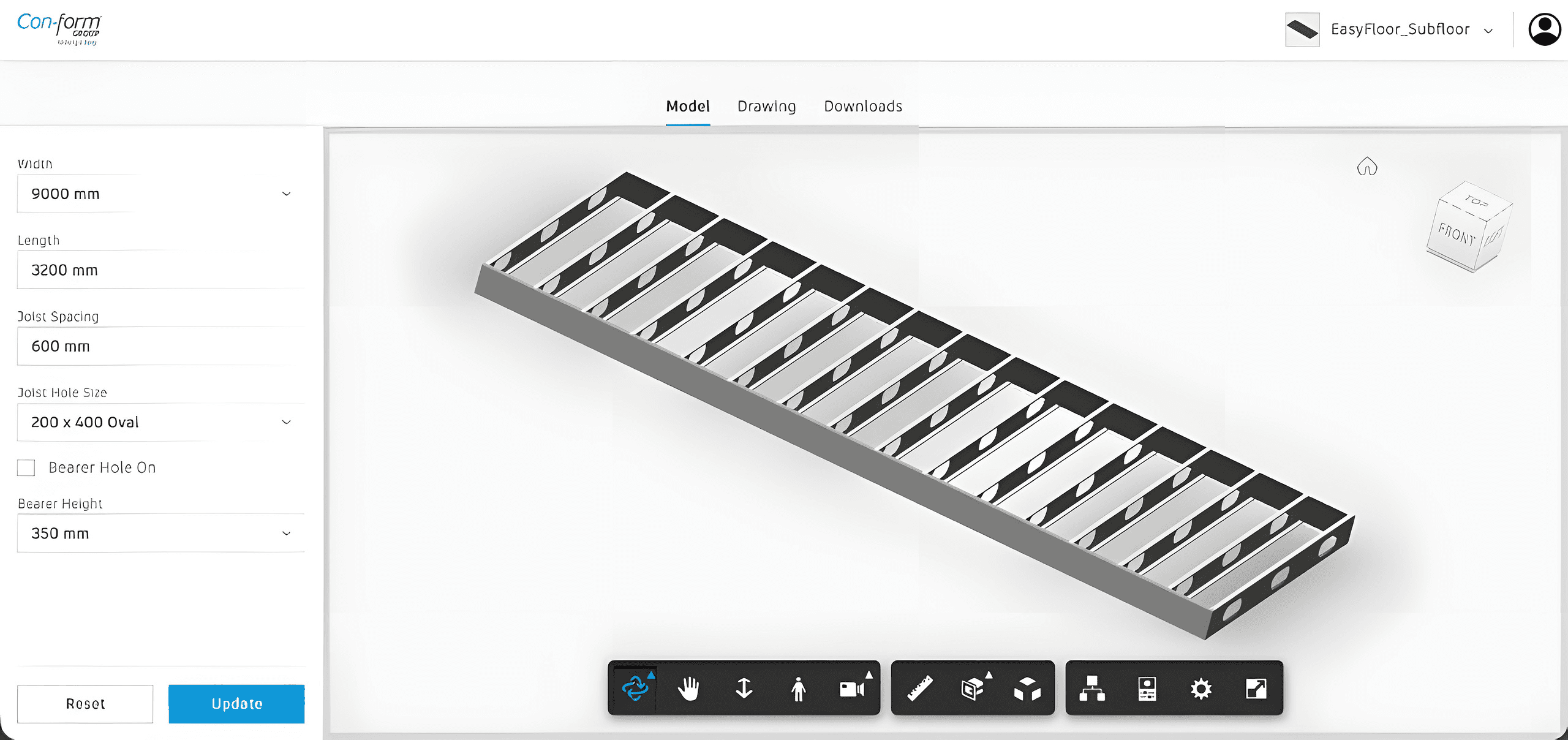
Rule-driven product and assembly configurators on top of APS and Inventor workflows, built for fabrication logic and repeatable delivery. Options, constraints, and BOM-aware outputs stay aligned with engineering rules so sales, design, and manufacturing share one configurable model path instead of spreadsheet sprawl.

IoT Devices03

IoT Devices

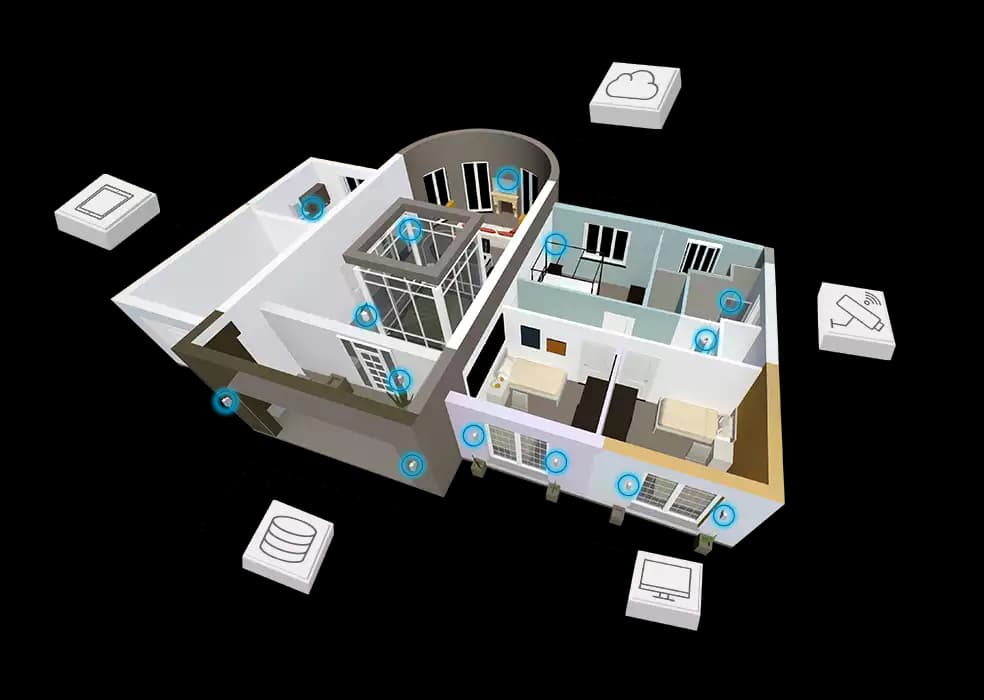
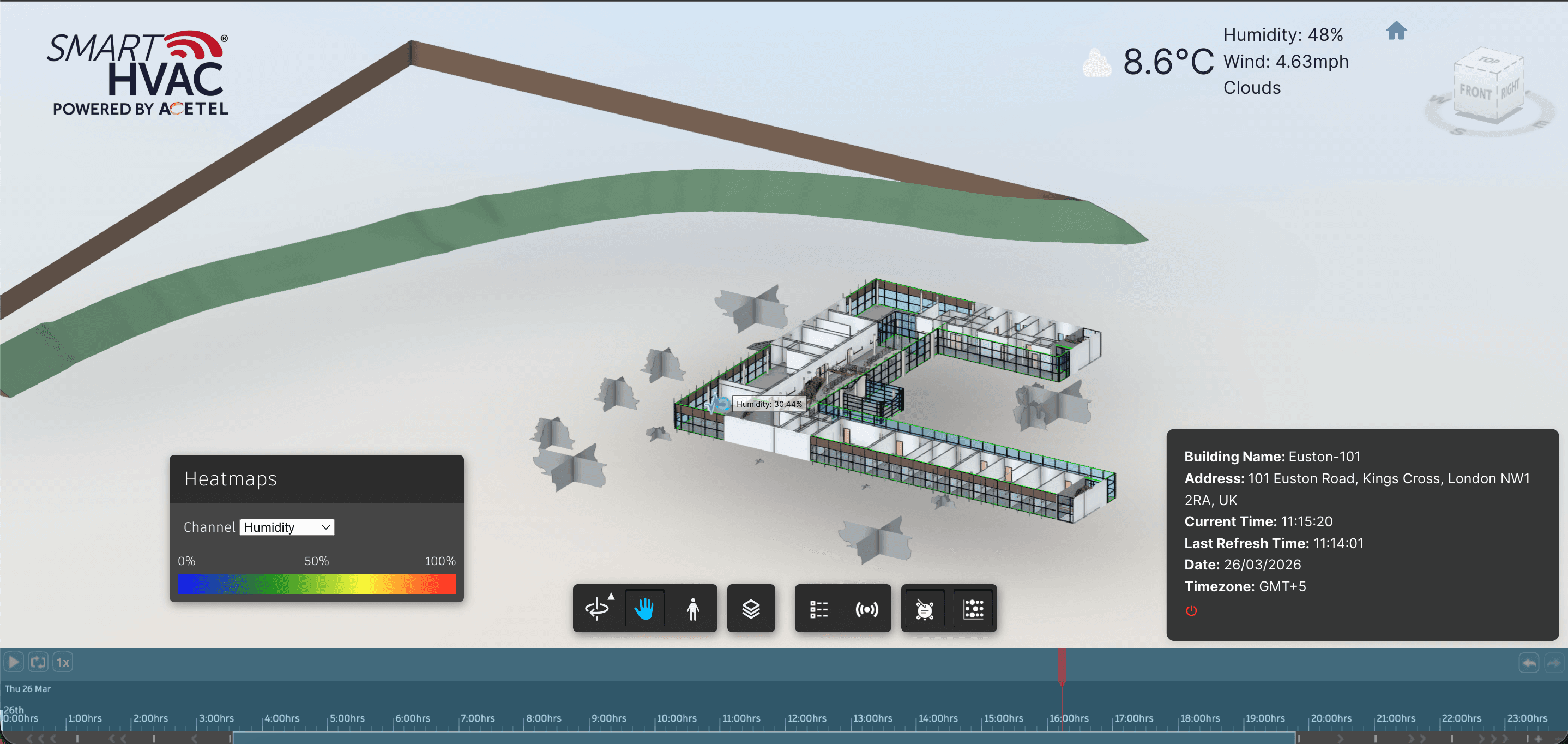
Map sensors onto the model with heatmaps, sprites, and facilities dashboards so temperature, occupancy, and equipment status stay spatially grounded. We place devices in context, surface live readings without cluttering the scene, and connect back to the platforms your ops stack already runs.

  • Stakeholder-ready APS viewers without desktop BIM licenses
  • Digital twin views that operators and PMs can actually use
  • IoT overlays tied to rooms, assets, and equipment

Delivery process

How we deliver

  1. Model & access audit

    We review your source files, Autodesk accounts, and who needs access. We confirm which formats go through the APS Model Derivative service, how authentication should work, and which review workflows the first release must support before any viewer code is written.

  2. Viewer build & extensions

    We build the branded viewer on the APS Viewer SDK, then add the extensions your team needs—property panels, sections, markups, and filters, or digital twin, configurator, and IoT modules—wired to your identity provider and data sources.

  3. Stakeholder testing

    Real reviewers test the viewer on real project models. We tune load performance, navigation, and permissions from their feedback, and fix translation or metadata issues in the model pipeline so the release reflects how people actually review.

  4. Production handoff

    We deploy to your environment, keep models in your own APS buckets, and hand over source code, configuration notes, and a training session so your team can add models and maintain the viewer after launch.

Related case studies

Related case studies

Watson Studio

Construction Procurement

Watson Studio

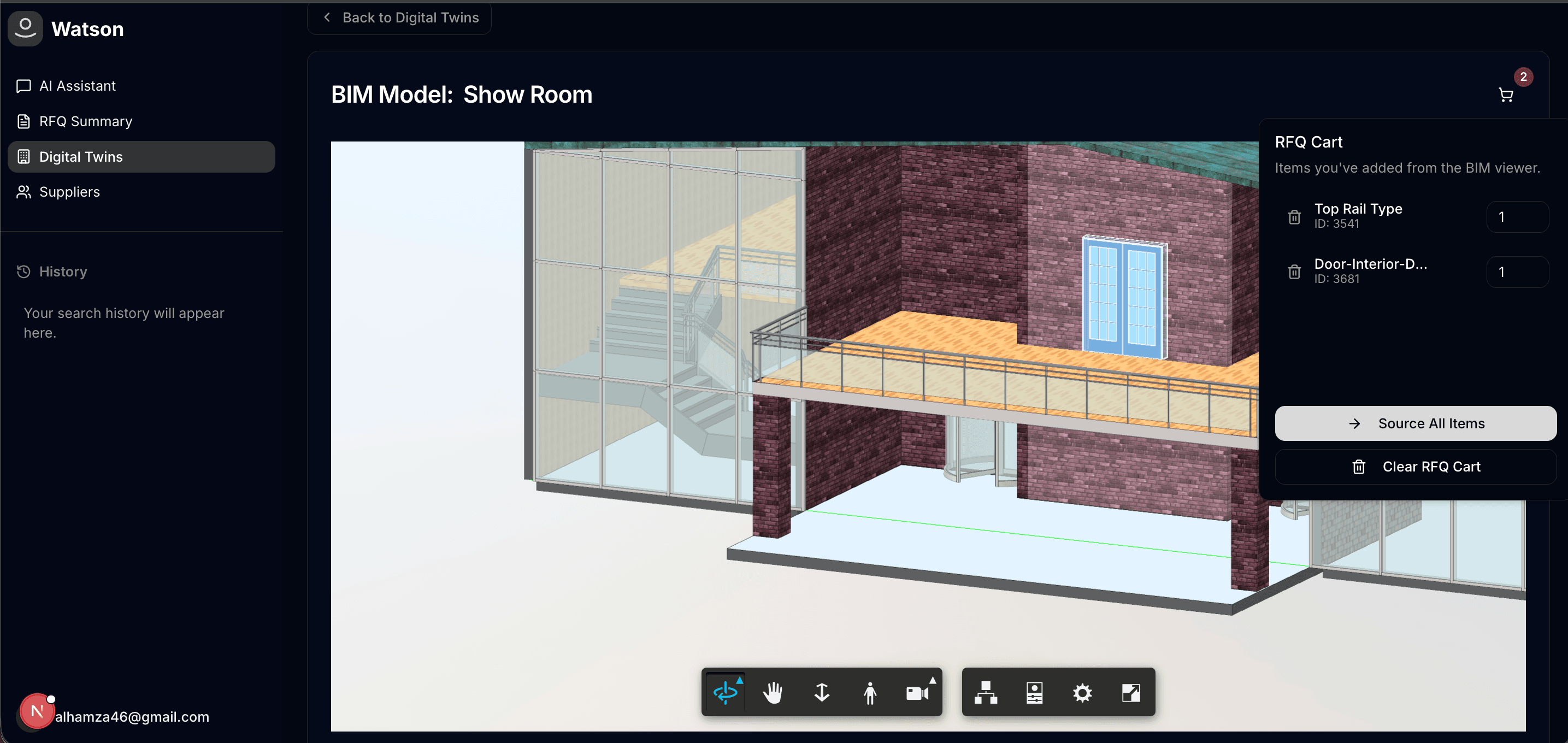
Built a procurement studio where teams can move from model review to RFQ creation, supplier communication, and offer acceptance inside one connected workflow.

BIM elements become RFQ-ready line items in one workspace

Read case study
Spool

Architecture & Construction

Spool

Built a platform offering instant 3D model previews, measurement tools, section analysis, and comprehensive customization.

Revit models translate to browser previews without desktop seats for reviewers

Read case study
BIM-IOT · APS Viewer

Smart Buildings

BIM-IOT · APS Viewer

Delivered an APS Viewer experience where installed IoT devices appear in model context—with live overlays, heatmaps, and historical analytics for smarter building operations.

Installed IoT devices appear on APS model geometry in context

Read case study
smartHVAC Dubai

Smart Buildings

smartHVAC Dubai

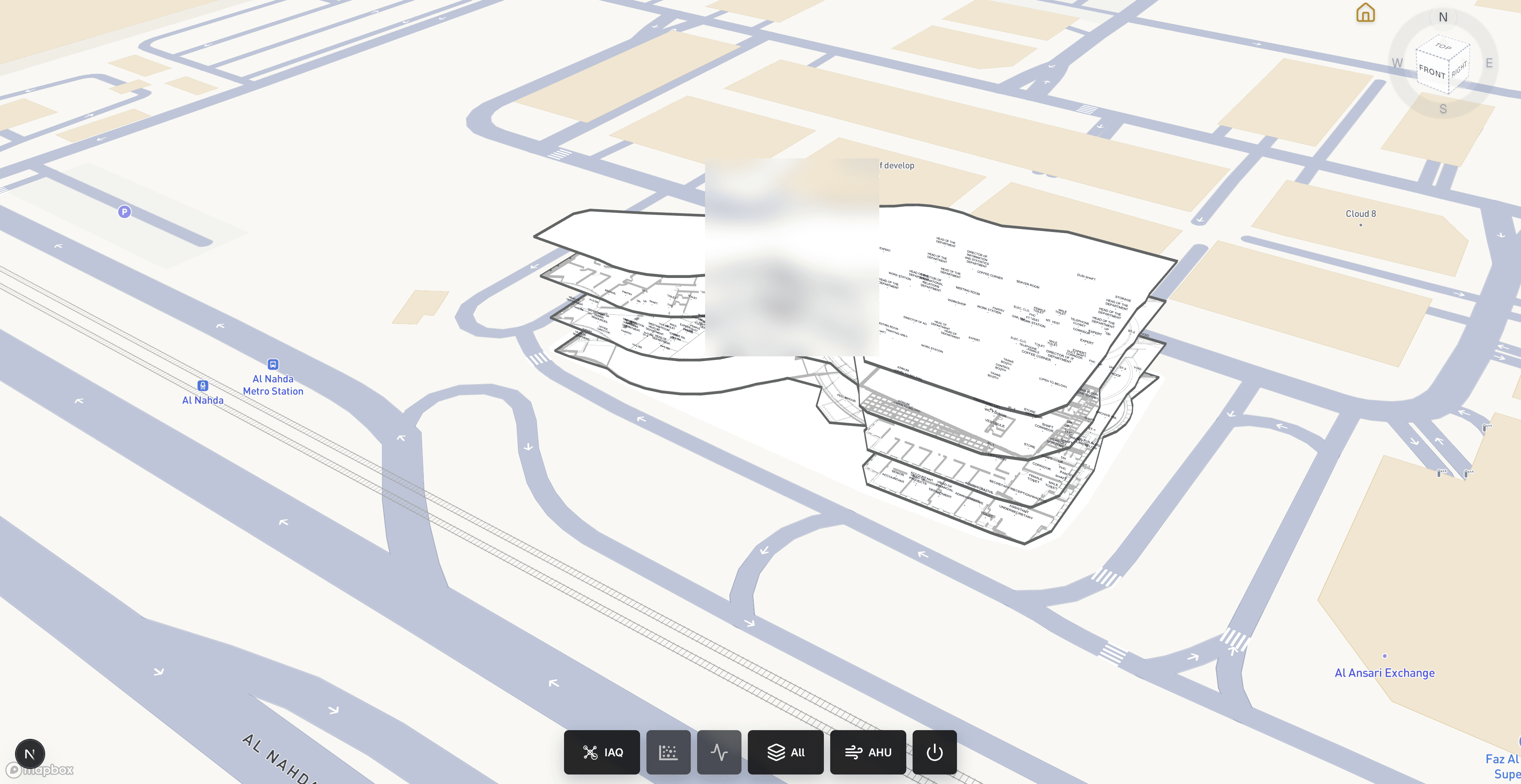
Delivered a production building-operations viewer where facilities teams can inspect georeferenced indoor models, monitor installed IoT devices in place, and diagnose AHU component health without leaving the browser.

Georeferenced IFC/GLB indoor models on Mapbox for facilities context

Read case study
Con-form Inventor Configurator

Product Configurator

Con-form Inventor Configurator

Delivered a production Inventor configurator where Con-form teams configure modular platforms in the browser, review live APS models and drawings, and export CAD/BIM packages without bottlenecking on desktop seats for every option change.

Parameter-driven Inventor assemblies rebuild in the browser via Design Automation

Read case study

Service FAQ

Questions about APS Viewer

What is APS viewer development?

APS viewer development means building a production web application on Autodesk Platform Services so stakeholders can review BIM models in the browser. Source files such as Revit (.rvt), Navisworks, DWG, and IFC are translated by Autodesk’s Model Derivative service, then displayed with selection, properties, sections, and markups. BimEx delivers branded APS viewers with optional digital twin, configurator, and IoT modules, plus handoff so your team owns authentication, hosting, and model updates after launch.

Which file formats can an APS viewer open?

An APS viewer displays models translated by the Autodesk Platform Services Model Derivative service, which covers common AEC formats including Revit (.rvt), Navisworks, DWG, and IFC. We confirm your specific files during the audit, because model size, linked files, and export settings affect translation. This differs from the free BimEx IFC viewer, which opens IFC2x3 and IFC4 files only.

Do stakeholders need Revit or Navisworks licenses to use the viewer?

No desktop BIM seats are needed to review models in the browser: reviewers see geometry, properties, sections, and markups through the web viewer. The APS platform itself runs under your own Autodesk account and its terms, so during scoping we review which APS operations your workflow uses and how model volume affects them before development starts.

Where is our model data stored, and who owns the viewer?

Models are normally uploaded to APS buckets in your own Autodesk account, so the data stays under your control rather than in a BimEx environment. At handoff you receive the viewer source code, configuration, and documentation agreed in scope. We can sign an NDA before reviewing files and follow your access and security requirements throughout delivery.

What drives the timeline of an APS viewer development project?

Timelines depend mainly on the number and complexity of models, how many custom extensions are required, integration with identity or enterprise data systems, and how quickly reviewers can test. A focused review viewer moves faster than one combining digital twin, configurator, and IoT modules. We agree milestones after discovery rather than quoting a fixed schedule upfront.