
BIM services built for clear outcomes

Digital twins, connected building data, HVAC intelligence, configurators, IFC delivery, and indoor modeling, organized around the way people actually review and operate buildings.

Digital Twin
Live building intelligence01

Live building intelligence

Digital Twin

Turn static BIM into a living operational model with spaces, assets, and real-time context your teams can explore in the browser.

Best fit

Owners, operators, and asset teams

What it unlocks

Live building context in the browser

Explore this serviceDelivery path · Digital Twin
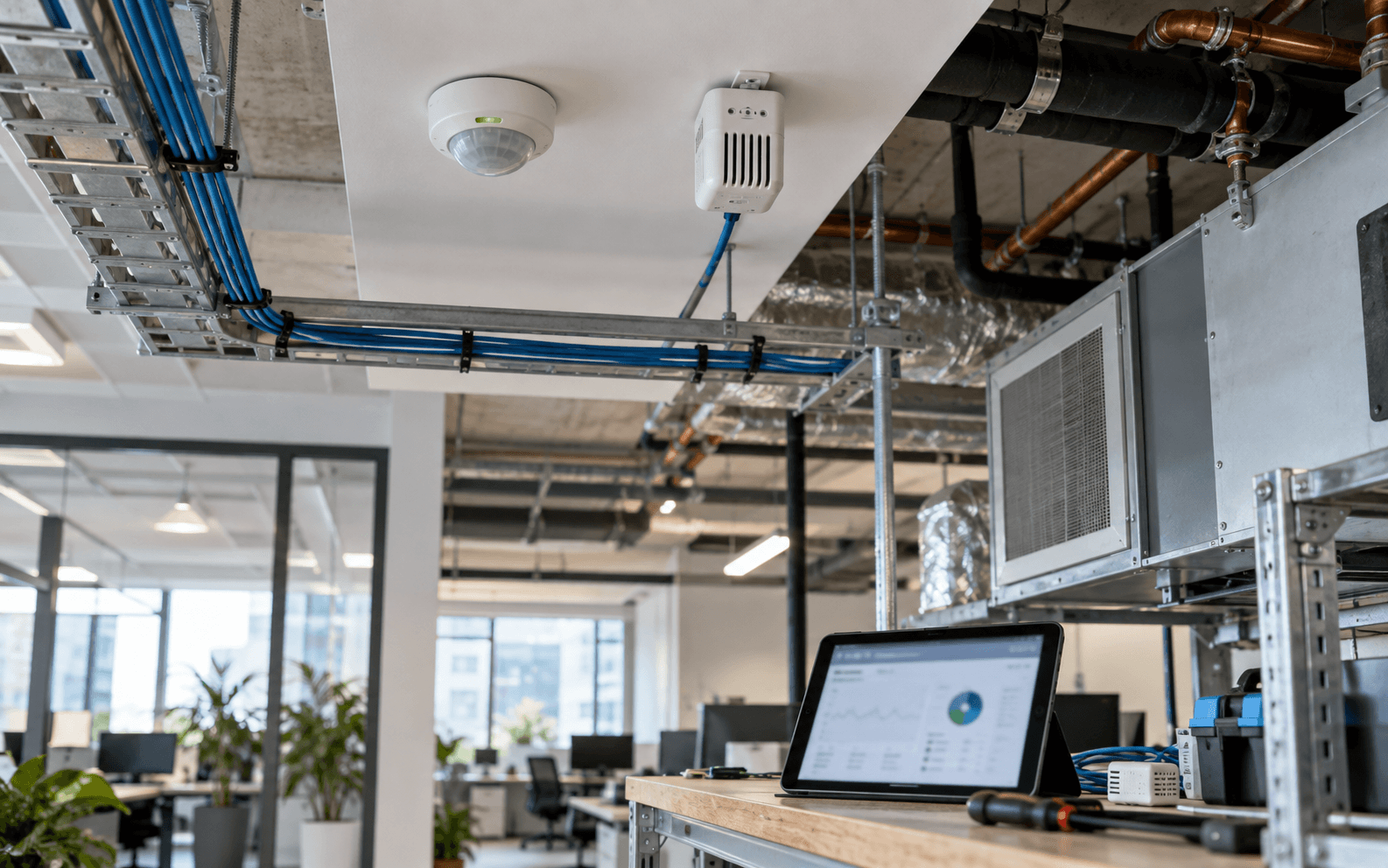
IoT Devices in Web Viewer
Connected building data02

Connected building data

IoT Devices in Web Viewer

Place sensor readings, alerts, and equipment status directly on model geometry so operators know what is happening and where.

Best fit

Facilities teams tracking live conditions

What it unlocks

Sensors tied to rooms and equipment

Explore this serviceDelivery path · IoT in Web Viewer
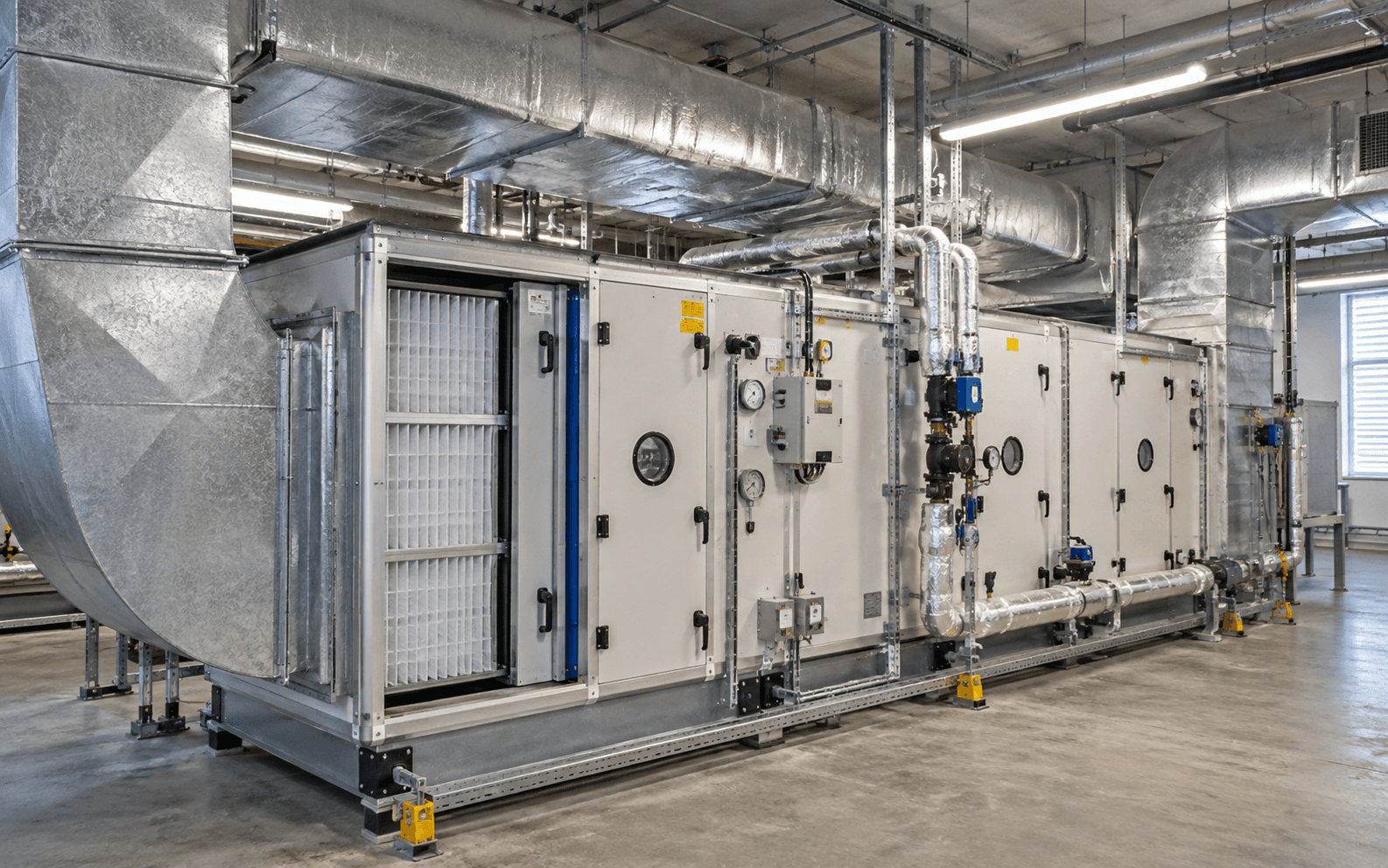
HVAC Intelligence
Comfort + energy03

Comfort + energy

HVAC Intelligence

Visualize air systems, room conditions, and performance signals in one spatial view for faster facilities decisions.

Best fit

Teams improving comfort and energy

What it unlocks

Faster spatial HVAC decisions

Explore this serviceDelivery path · HVAC Intelligence
APS Viewer Development
Autodesk Platform Services04

Autodesk Platform Services

APS Viewer Development

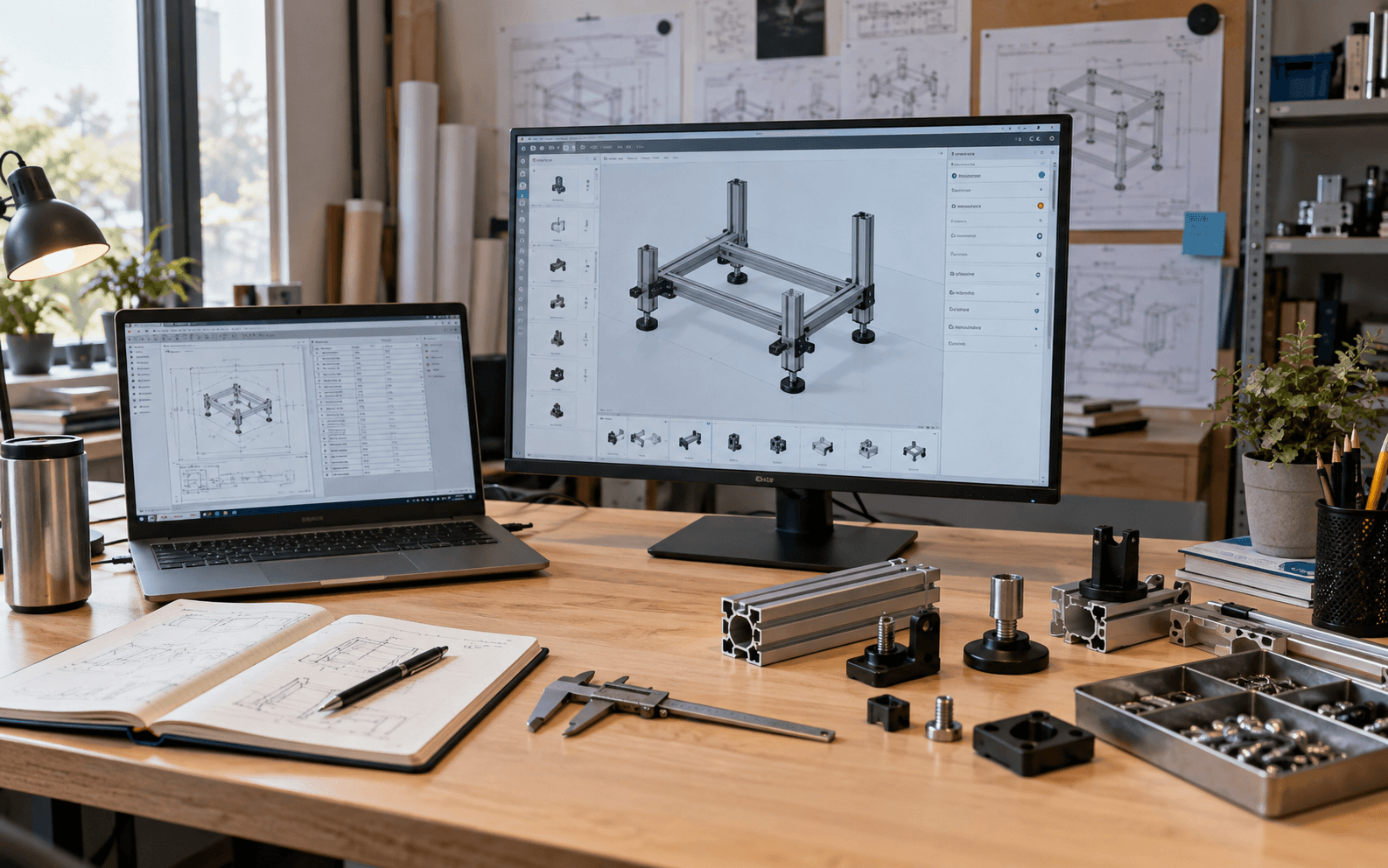
Production APS / Forge viewers with optional digital twin, Inventor configurator, and IoT overlays—browser model review without desktop friction.

Best fit

AEC teams needing browser APS / Forge viewers

What it unlocks

Production viewers, configurators, and IoT overlays

Explore this serviceDelivery path · APS Viewer
Custom IFC Viewer
OpenBIM workflows05

OpenBIM workflows

Custom IFC Viewer

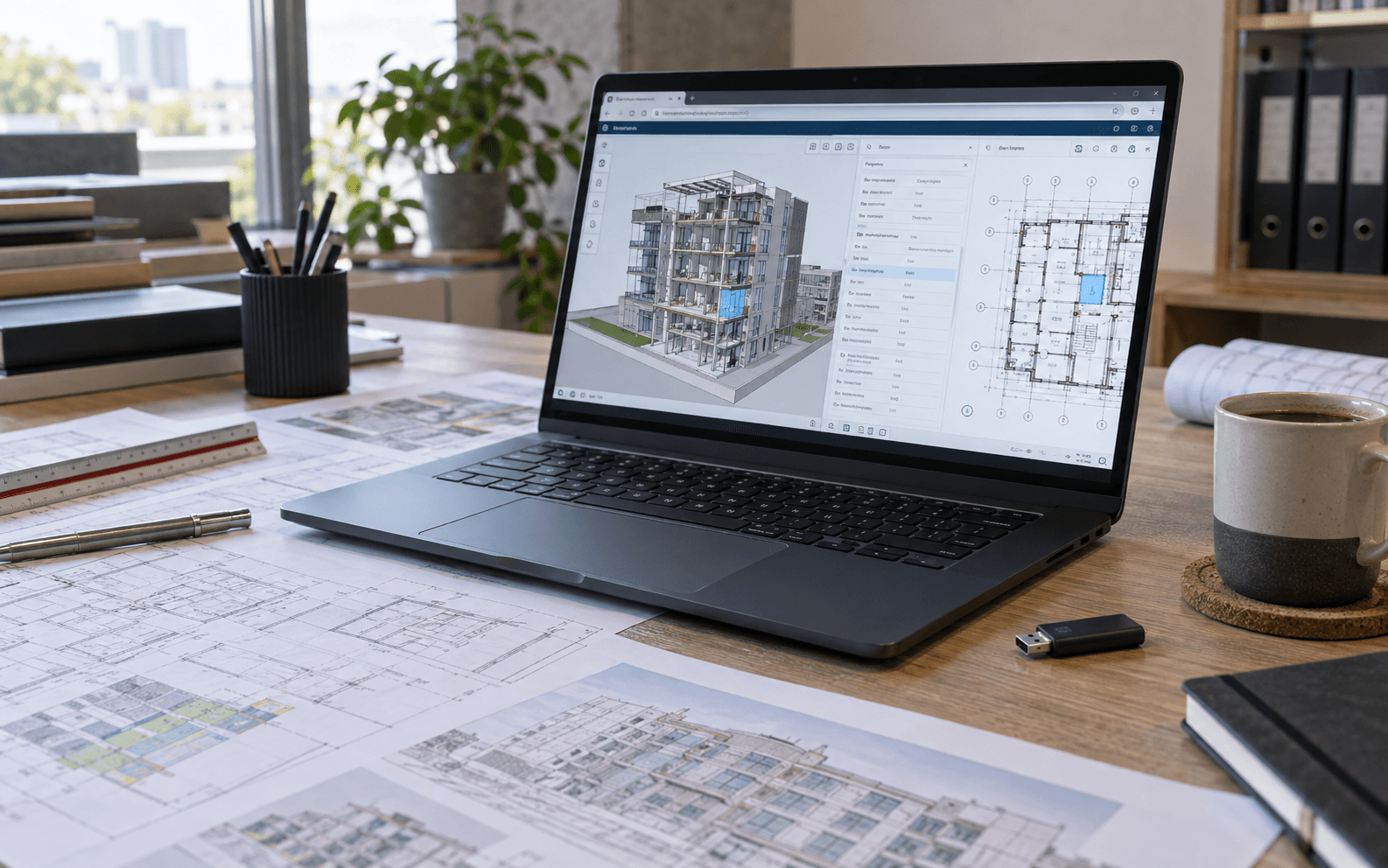
Give teams a tailored IFC workspace for model review, properties, coordination, and open standards without lock-in.

Best fit

Owners and consultants standardizing on openBIM

What it unlocks

Branded IFC workflows without lock-in

Explore this serviceDelivery path · Custom IFC
Indoor Modeling
Facilities-ready geometry06

Facilities-ready geometry

Indoor Modeling

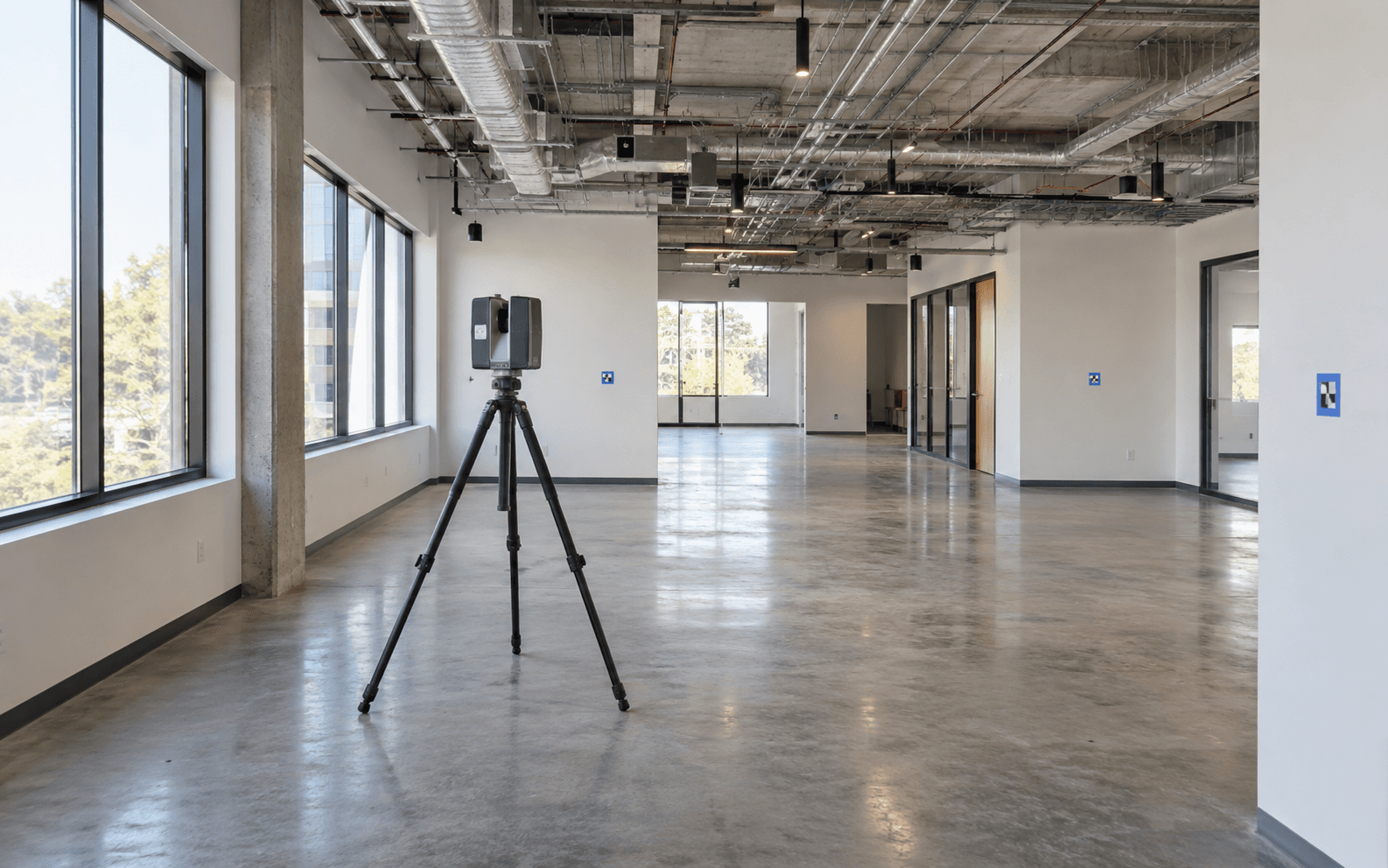
Build accurate indoor and scan-to-BIM models that make wayfinding, asset placement, and day-two operations easier.

Best fit

Facilities, retrofit, and scan-to-BIM teams

What it unlocks

Geometry ready for day-two operations

Explore this serviceDelivery path · Indoor Modeling

Decision guide

Not sure between APS and IFC?

Use our side-by-side guide to choose Autodesk Platform Services vs openBIM IFC for browser model review.

APS vs IFC comparison

Tell us what you need

We’ll map the delivery path

Share a project brief, model format, or facilities goal, we’ll follow up with next steps.

  • APS Viewer, IFC, or indoor modeling scoping
  • Clear recommendation on twin / IoT fit
  • Response from practitioners, not a generic funnel
  • Same contact form your team already trusts

Typical response within one business day

Project intake

Send your brief securely

Form online