Most BIM coordination problems are not caused by a lack of software. Project teams usually have authoring tools, a clash detection package, and a common data environment. The friction comes from the gaps between them: who is looking at which model version, whether the data inside elements can be trusted, and whether an issue raised in a meeting still makes sense a week later. This article walks through five coordination issues we see repeatedly on AEC projects and explains where browser-based model review genuinely helps, and where it does not.
1. People review different model versions
On a typical multi-discipline project, architecture, structure, and MEP models are published on different cycles. A site engineer opens a federated file exported two weeks ago, the MEP coordinator is working from yesterday's upload, and the client is looking at screenshots from the last design review. Everyone is technically "reviewing the model", but not the same one.
How browser review helps
A browser viewer backed by a single model store gives everyone one link to the current published version. When a new version is translated, the link does not change; what it shows does. Useful patterns include:
- Showing the model version, upload date, and source file name in the viewer header
- Keeping previous versions accessible for comparison instead of overwriting them
- Letting coordinators pin a specific version to a review session so comments stay tied to what was actually reviewed
This does not replace document control in your common data environment. It makes the controlled version the easiest one to open.
2. Clash results are noisy and hard to act on
Automated clash detection is essential, but raw results are rarely actionable. A single duct run crossing a beam can generate dozens of clashes. Insulation, hangers, and tolerance settings create soft clashes that nobody intends to fix. Teams spend meetings scrolling through lists instead of resolving problems.
How browser review helps
A browser viewer is not a clash engine, and it should not pretend to be one. Dedicated tools remain the right place to run and group clash tests. Where a viewer helps is in the conversation that follows:
- Opening a grouped clash as a saved viewpoint with the relevant elements isolated
- Letting trade contractors inspect the clash in 3D from a phone or site laptop without a desktop licence
- Using section boxes and measure tools to confirm clearances before anyone agrees a fix
When a clash group opens straight into the right camera position with the relevant systems visible, decisions happen faster because people are arguing about geometry, not about which row in a spreadsheet they are looking at.
3. Element data is missing or inconsistent
Coordination is not only geometric. A clash review stalls when nobody can tell which system a pipe belongs to, which level a duct is assigned to, or whether a door has the fire rating the specification requires. Common causes include unassigned levels, inconsistent system naming between disciplines, missing classification codes, and parameters that exist in the authoring tool but were not exported.
How browser review helps
A viewer with a good properties panel and filtering makes data gaps visible to more people. In practice that means:
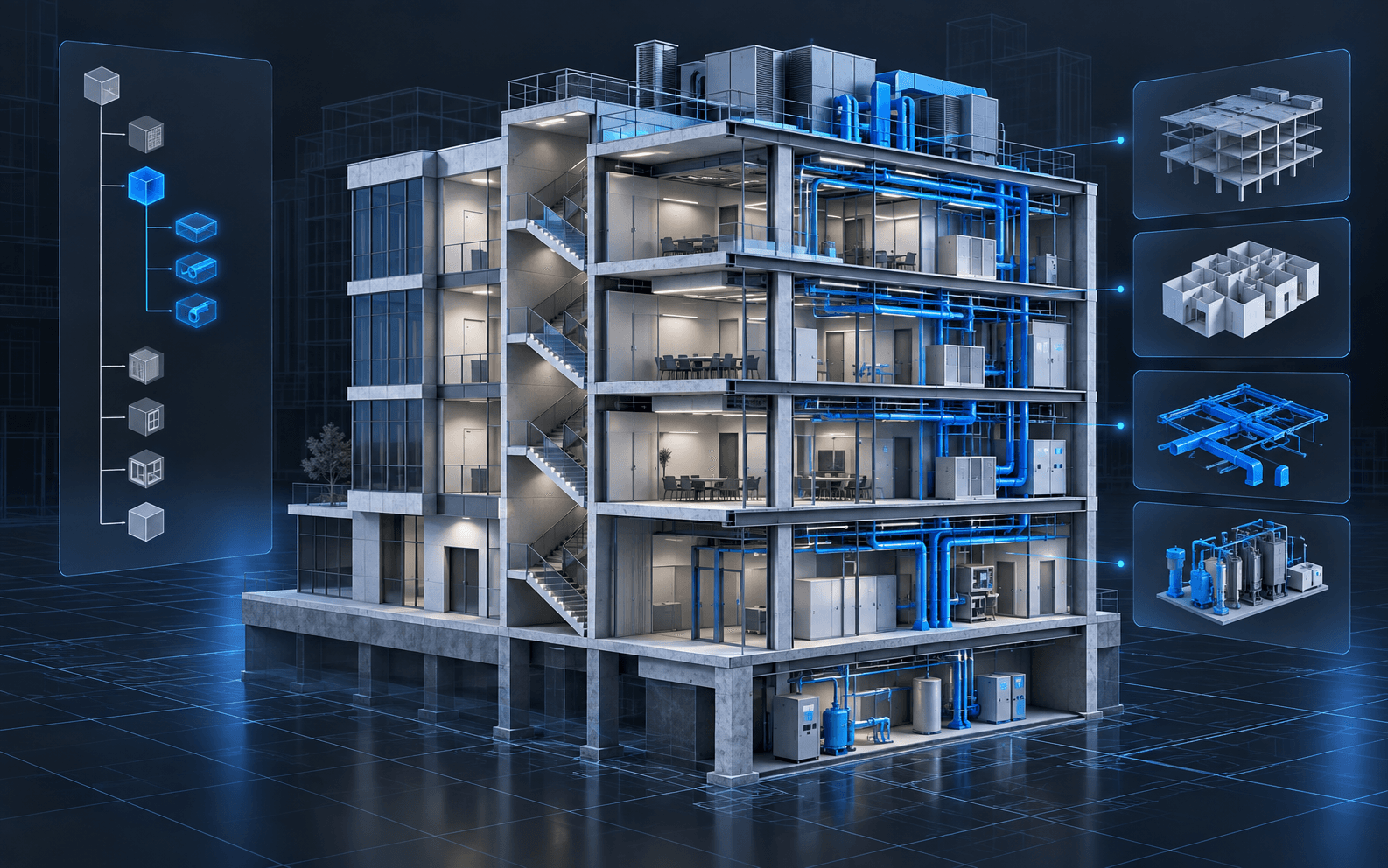
- Filtering by level, system, or category to spot elements sitting in the wrong place in the hierarchy
- Colouring elements by a parameter value so missing or unexpected values stand out
- Exposing the same property sets in the browser that the authoring team sees, rather than a stripped-down subset
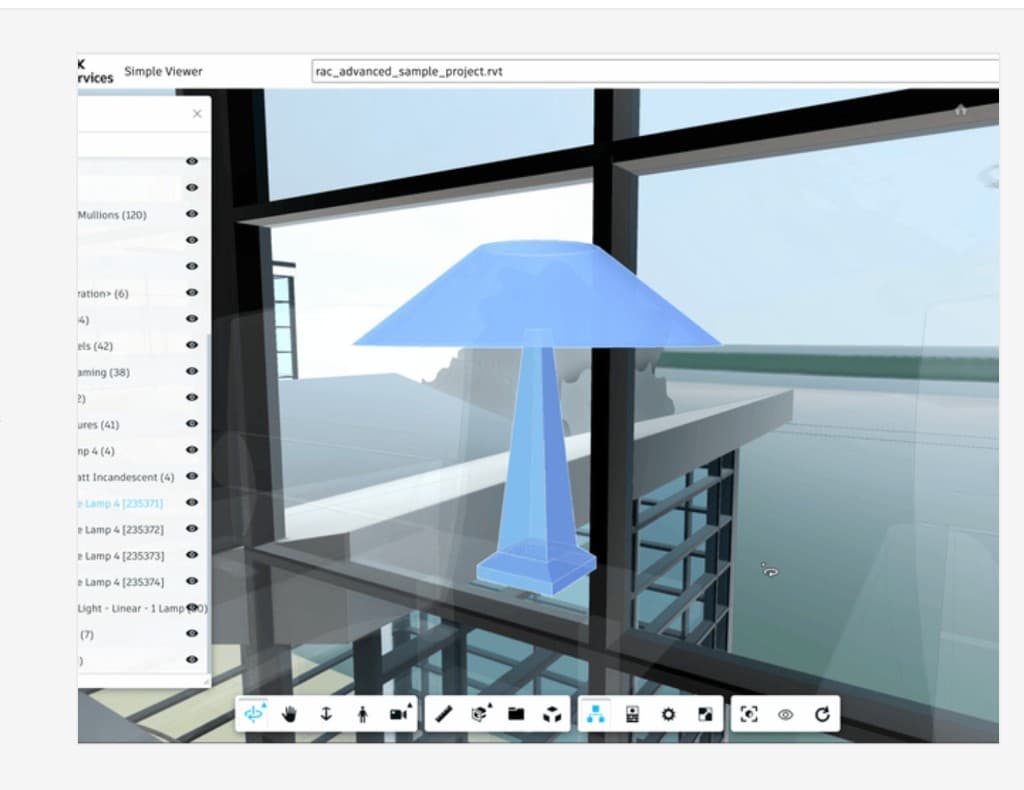
For openBIM workflows, reviewing the IFC export itself is especially valuable. What survives the export is what downstream teams actually receive. Our free IFC viewer opens IFC2x3 and IFC4 files in the browser, which is a quick way to check that property sets, spatial structure, and classifications came through as intended. It does not open native .rvt files; for those, an Autodesk Platform Services viewer is the usual route.
4. Issues get lost in email and screenshots
A coordination issue that lives as a cropped screenshot in an email thread loses its context almost immediately. Which elements were involved? From which angle? Was it fixed in the next model version? Without a link back to model elements, issues become hard to verify and easy to forget.
How browser review helps
Browser review works best when every issue is anchored to the model:
- Store the camera position, section state, and visible elements with the issue
- Reference elements by stable identifiers, such as IFC GlobalIds or the source element IDs, rather than by viewer-internal indices that can change between translations
- Support BCF import and export where teams already exchange issues between tools
- Show issue status directly in the viewer so resolved items can be checked against the latest version
Stable identifiers are the part teams most often get wrong. If an issue points to an element that is renumbered on the next upload, the link silently breaks.
5. Key stakeholders cannot open the model at all
Owners, facilities teams, site supervisors, and specialist subcontractors often do not have authoring or coordination software installed. They end up relying on PDFs and screenshots, which means they are consulted late or not at all. Many coordination problems that surface on site could have been caught by someone who understood the installation sequence but never saw the model.
How browser review helps
This is where browser viewers deliver the most obvious value. A link that opens in a standard browser, with sensible defaults and permissions, lowers the barrier to participation. The Spool case study is an example of this pattern: teams upload Revit models, translate them, and inspect them in the browser with measurement and section tools, without installing desktop software.
A checklist for a coordination-ready browser viewer
Before rolling out browser review on a project, check that the viewer can do the following:
- Show which model version and upload date is being viewed
- Open saved viewpoints with isolation, sectioning, and camera state intact
- Display full property sets, not a filtered subset
- Filter and colour elements by level, system, and custom parameters
- Link issues to stable element identifiers that survive re-translation
- Exchange issues via BCF if other tools on the project use it
- Respect project permissions so sensitive models are not shared by accident
- Load acceptably on the hardware site teams actually use
Where browser review fits, and where it does not
Browser review complements coordination tools rather than replacing them. Authoring still happens in native tools, and rule-based clash detection still belongs in dedicated software. The browser layer earns its place by making the coordinated model accessible, keeping discussions anchored to real elements, and exposing data problems to more eyes.
When we build viewers for coordination workflows, we start with the questions a team actually asks in a coordination meeting and work backwards to the viewer features. For Autodesk-based pipelines that usually means APS viewer development; for openBIM pipelines or projects that need full control over rendering and data, a custom IFC viewer is often the better fit.
Key takeaways
- Most coordination friction comes from version confusion, noisy clash results, weak element data, lost issues, and limited access, not from missing software.
- Browser viewers help most with access, shared context, and data visibility; clash detection itself belongs in dedicated tools.
- Anchor every issue to stable element identifiers so it survives the next model upload.
- Review the IFC export, not just the native model, because that is what downstream teams receive.
- Scope viewer features from real coordination meeting questions rather than from a feature list.
APS viewer development
Need a browser viewer your whole project team can open? We scope, build, and hand off production APS viewers for coordination and review workflows.
Explore APS viewer developmentTopics

Author
BimEx Engineering Team
BIM Services Engineering Team
The BimEx engineering team builds Autodesk Platform Services viewers, BIM digital twins, IoT on BIM, custom IFC viewers, and scan-to-BIM indoor models for AEC and facilities teams.